34
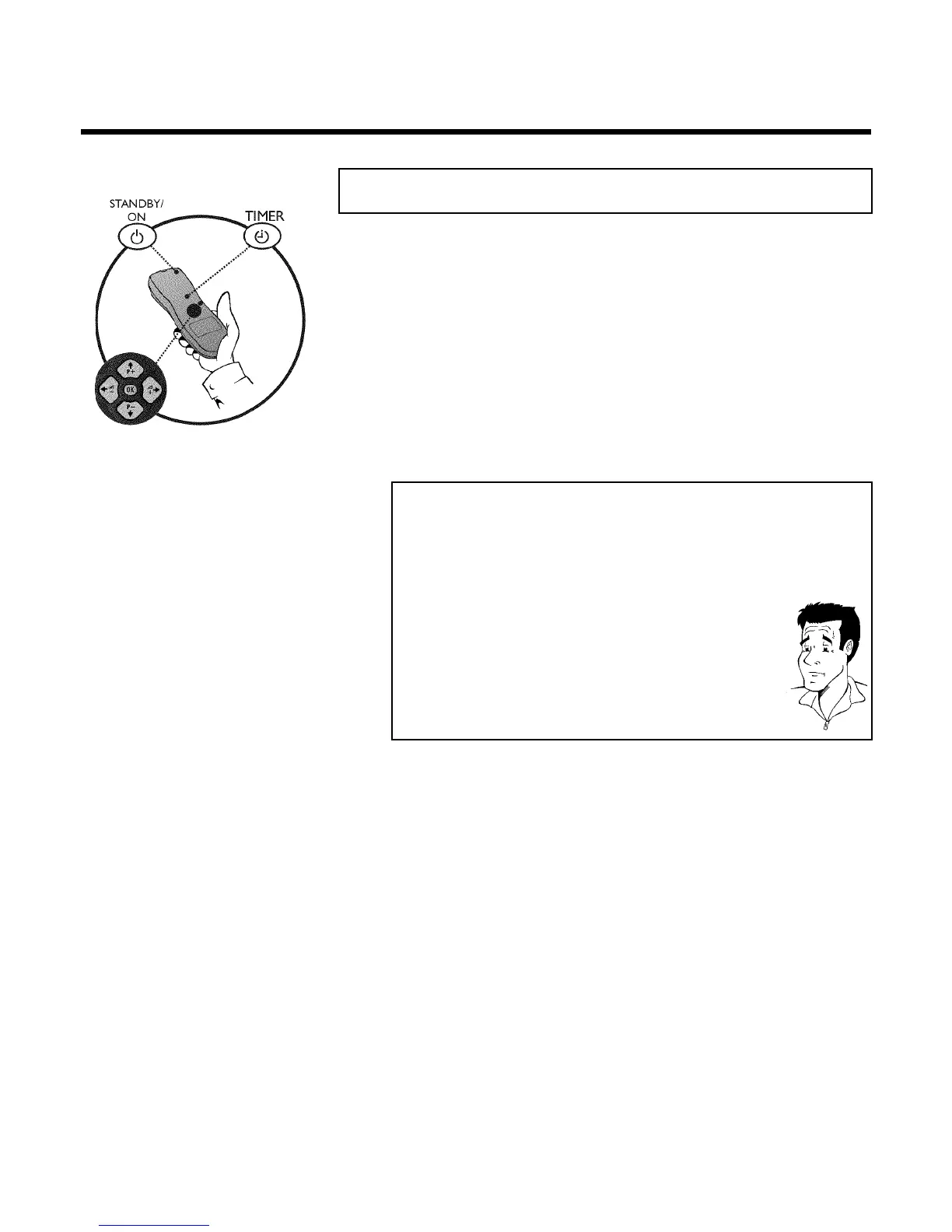
HProgramming a recording (TIMER)
General information
Use programming a recording (TIMER) to automatically start and stop a recording at a later date.
The video recorder will switch to the right programme number and begin recording at the
correct time.
With this video recorder, you can pre-programme up to six recordings within a period of one
month.
To make a programmed recording, your video recorder needs to know:
* the date you want to make the recording
* the programme number of the TV channel
* the start and stop time of the recording
* VPS or PDC on or off
This information is saved in a 'TIMER block'.
What is 'VPS/PDC'?
'VPS' (Video Programming System)/ 'PDC' (Programme Delivery Control) are
used to control the start and duration of TV channel recordings. If a TV
programme starts earlier or ends later than was scheduled, the video recorder
will then turn on and off and the correct time.
What do I need to know about 'VPS/PDC'?
Usually the start time is the same as the VPS or PDC time. But if your TV
guide gives a VPS or PDC time which is different from the programme's start
time, e.g. '20.15 (VPS/PDC 20.14)', you must enter the VPS/PDC time
'20.14' exact to the minute as the start time.
If you want to programme a time that is different from the VPS or PDC time,
you must switch off VPS or PDC.
Only one TV program of a TV channel can be controlled using 'VPS/PDC' at a
time. If you want to record two or more TV programmes on a TV channel
using 'VPS/PDC', you will need to programme these as two separate
recordings.
Programming a recording (TIMER)


 To Next Page