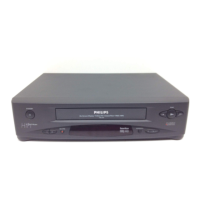
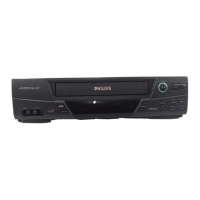
Important for the United Kingdom
This machine is fittedwith an approved moulded13 Amp plug.
To change a fuse in thistype of plug, please followthese
instructions.
a Take offthe fuse cover and takeout the fuse.
b Put in anew fuse which should be a BS13623A, A.S.T.A.
or BSI approved type.
c Refitthe fuse cover.
If the plug fittedis not suitable foryour socket, cut itoff and fit
another type.
If the plug you fitcontains a fuse, itshould be a 3Amp fuse.If
you fit a plug whichdoes not need a fuse, makesure the fuse
on your fuse box isnot greater than 5Amps.
DNote: Please destroy the plug youhave cut off so
that it cannot be usedin a 13 Amp socket
somewhere else.
How to connect a plug
The wires in the leadfrom the video recorderare coloured as
follows.
* Blue - ’neutral’(’N’).
* Brown - ’live’(’L’).
d Connect theblue wire to the terminalin the plug which is
marked with the letter’N’ or coloured black.
e Connect the brown wire to the terminalin the plug which
is marked withthe letter ’L’ orcoloured red.
f Do not connecteither of the wiresto the terminal in the
plug which is markedwith the letter ’E’,the symbol \or
coloured green or green and yellow.
Before you refitthe plug cover, make surethat the grip at the
bottom of the plug isclamped over the plasticcover of the
lead, not just overthe two wires.
How to connect your video recorder to the
TV set
We recommend the use ofa scart cable. This willgive you the
best picture and soundquality.
When you installyour video recorder forthe first time,please
read:
E If yourTV set has a scartsocket and you are usinga
scart cable, please readthe section ’Connecting witha
scart cable’.
E The section’Connecting without a scartcable’, if you are
not using a scartcable.
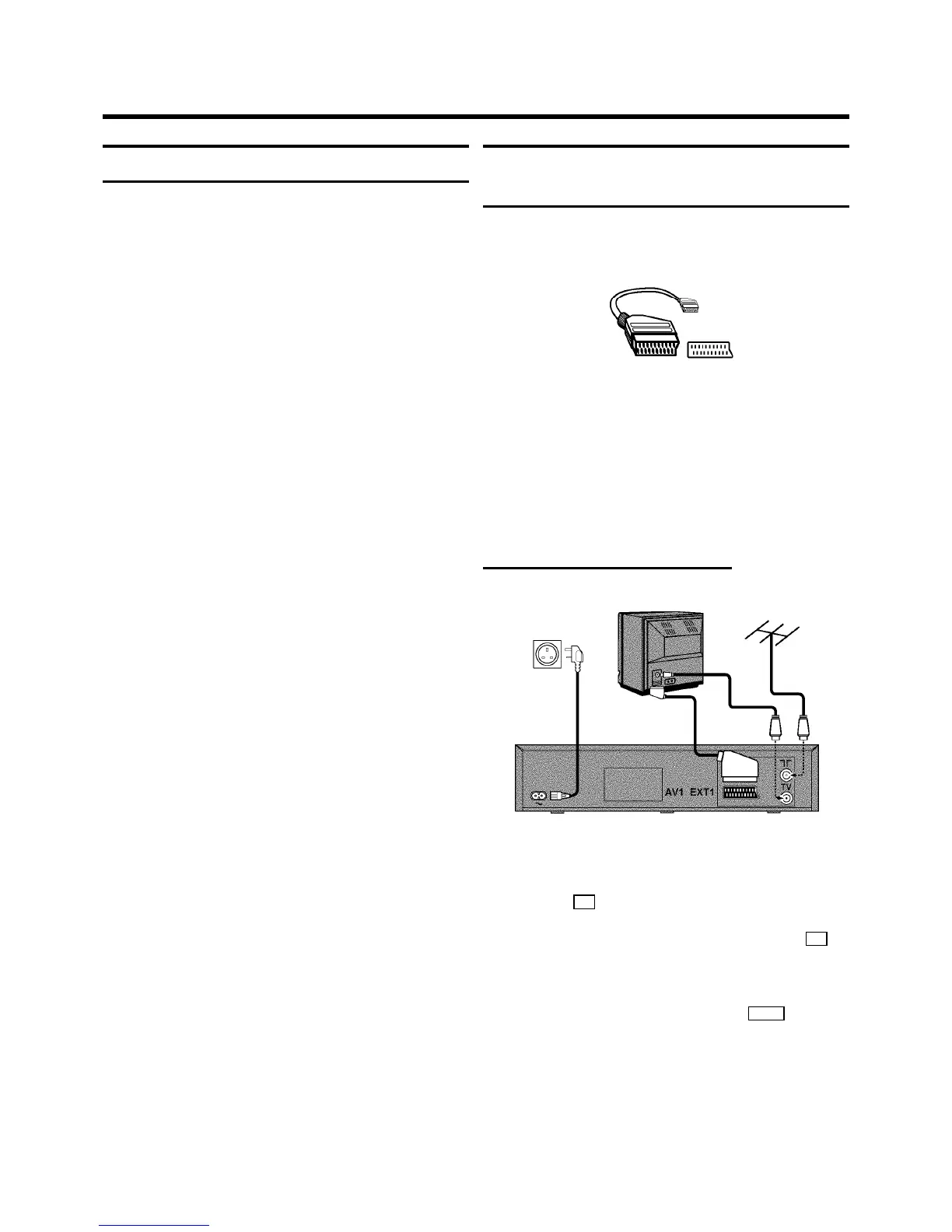
Connecting with a scart cable
a Switch offthe TV set.
b Remove theaerial cable plug from yourTV set and insert
it into the 2 socket at the back ofthe video recorder.
c Plug one end ofthe aerial cable provided intothe 3
socket on the videorecorder and the other end intothe
aerial input socketon your TV set.
d Plug one end ofthe scart cable into the EXT.1 scart
socket at the backof the video recorder and theother
end into the scart socketon your TV set(see instruction
manual TV set).
e Switch on the TV set.
1. HOW TO CONNECT YOURVIDEO RECORDER
4


 To Next Page