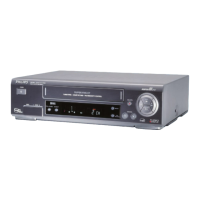
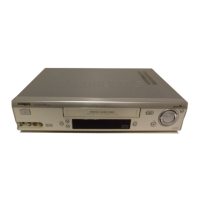
Variant 1, the video recorder is to control
the camera recorder
a Start copying with the RECORD/OTR n button on the video
recorder.
The camera recorder starts ’PLAYBACK’ and at the same
time the video recorder starts ’RECORDING’.
b Stop copying with the h button on the video recorder.
c End copying with the MENU button.
Variant 2, the camera recorder is to control
the video recorder
a Start copying with the corresponding button on the
camera recorder.
The camera recorder starts ’PLAYBACK’ and at the same
time the video recorder starts ’RECORDING’.
b Stop copying with the PAUSE or STILL button on the
camera recorder.
c End copying with the MENU button.
Setting the ’preroll time’
When the beginning of the recording is missing, the ’preroll
time’ was too long. Select a shorter ’preroll time’.
If recording started too early, the ’preroll time’ was too short.
Select a longer ’preroll time’. You can select a ’preroll time’
between 1:00 and 5:00 seconds.
a Press the MENU button.
b Select the line ’RECORDING FUNCTIONS’ with the
B or A button and confirm with the C button.
c Select the line ’RECORD SETTINGS’ with the B or
A button and confirm with the C button.
d In line ’PREROLL TIME’, adjust the ’preroll time’ with
the C or D button.
DYou can also directly enter the ’preroll time’ with the
digit buttons 0-9 .
DWith the CLEAR (CL) button you can reset the ’preroll
time’ to that of the identified camera recorder type.
e Confirm with the OK buton.
f To end, press the MENU button.
35


 To Next Page