15
ENGLISH
Still picture/super slow motion
!
Press the e button.
"
Press the ZU button. The picture
"freezes" and the display indicates " eIr ". Each
time you press the ZU button, the
still picture advances one step.
Press and hold the ZU button.
The video recorder switches to super slow motion.
¤
Press the e button to return to normal play.
Slow motion
!
Press the ZU button.
The video recorder switches to still picture mode.
"
Press the 2 button repeatedly.
The display indicates "Ie ".
Three slow motion speeds can be selected: 1/7,
1/10, 1/14 of the normal playback speed.
When you press the 1 button several times,
you will return to the still picture.
If the button is pressed again, the slow motion
function is reversed.
The screen display will show: "rI " .
During slow motion, the sound is muted.
¤
Press the e button to return to normal play.
Adjusting the picture sharpness
It is possible to adjust the picture sharpness during
playback.
!
During playback, press the f or e button to
change the setting in the range from "3" to "–3"
("3" is the maximum sharpness).
The JOG/SHUTTLE functions
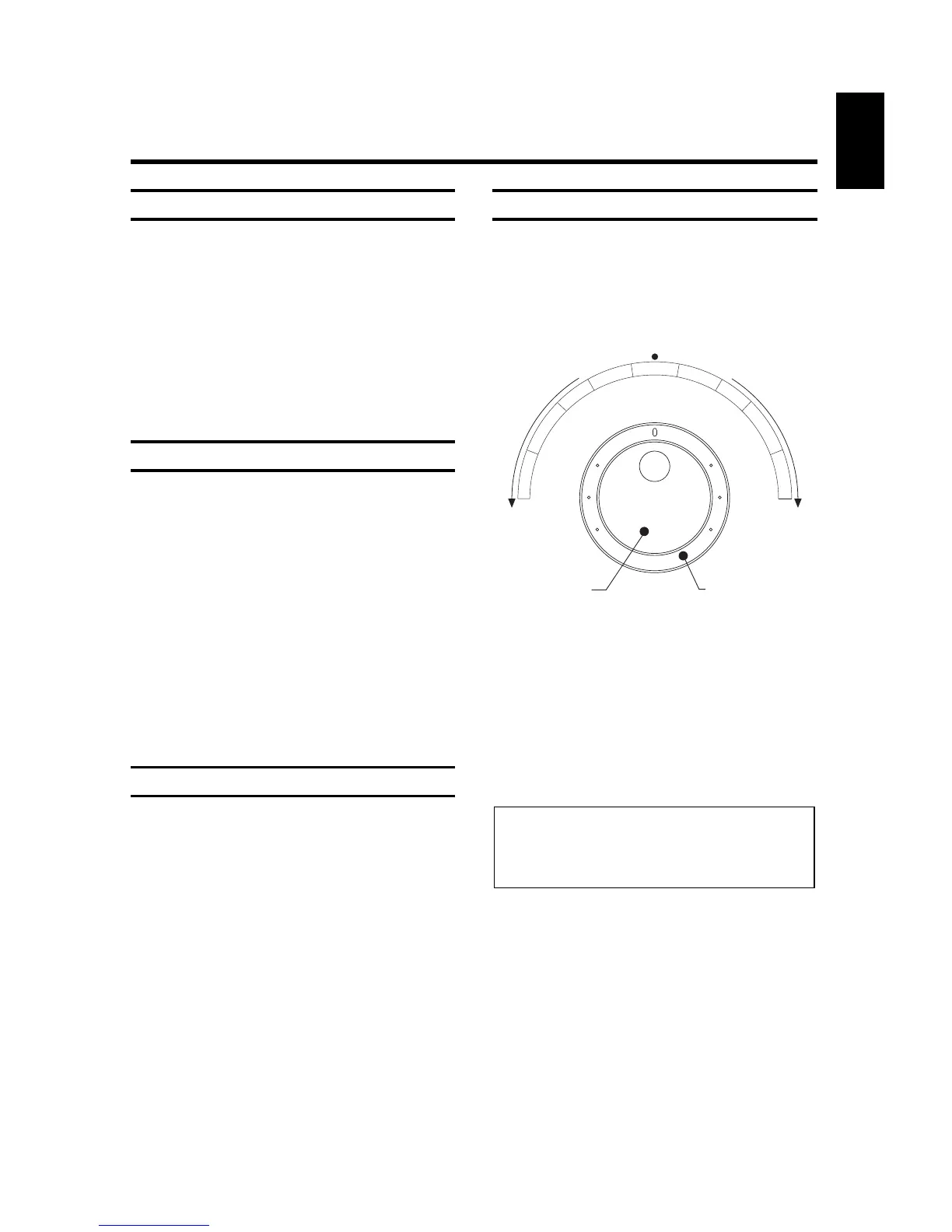
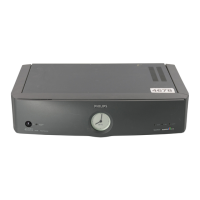
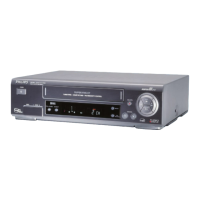
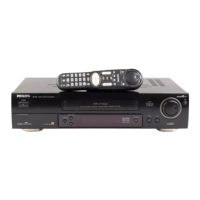
There is a large rotary knob å both on the remote
control and on the video recorder.
!
Switch the function on by pressing the
NM button. A still picture is
visible on the screen.
"
Use the inner disk to select the next or previous
still picture.
¤
Turning the inner disk continuously to the right or
to the left switches to super slow motion, forward
or reverse.
$
The outer ring enables you to select different tape
speeds for the forward or reverse picture search.
%
Press the e button to return to normal play.
Note:
* During the picture search (scan) function, the
picture quality is adversely affected and the sound
is muted.



 To Next Page