25
ENGLISH
How do I stop a TIMER recording ?
While a programmed recording is running, the drive
mechanism buttons of the video recorder are blocked.
If you want to stop the running recording, press the
d button.
How can I check a TIMER block ?
!
Switch on the TV set and select the programme
position intended for the video recorder.
"
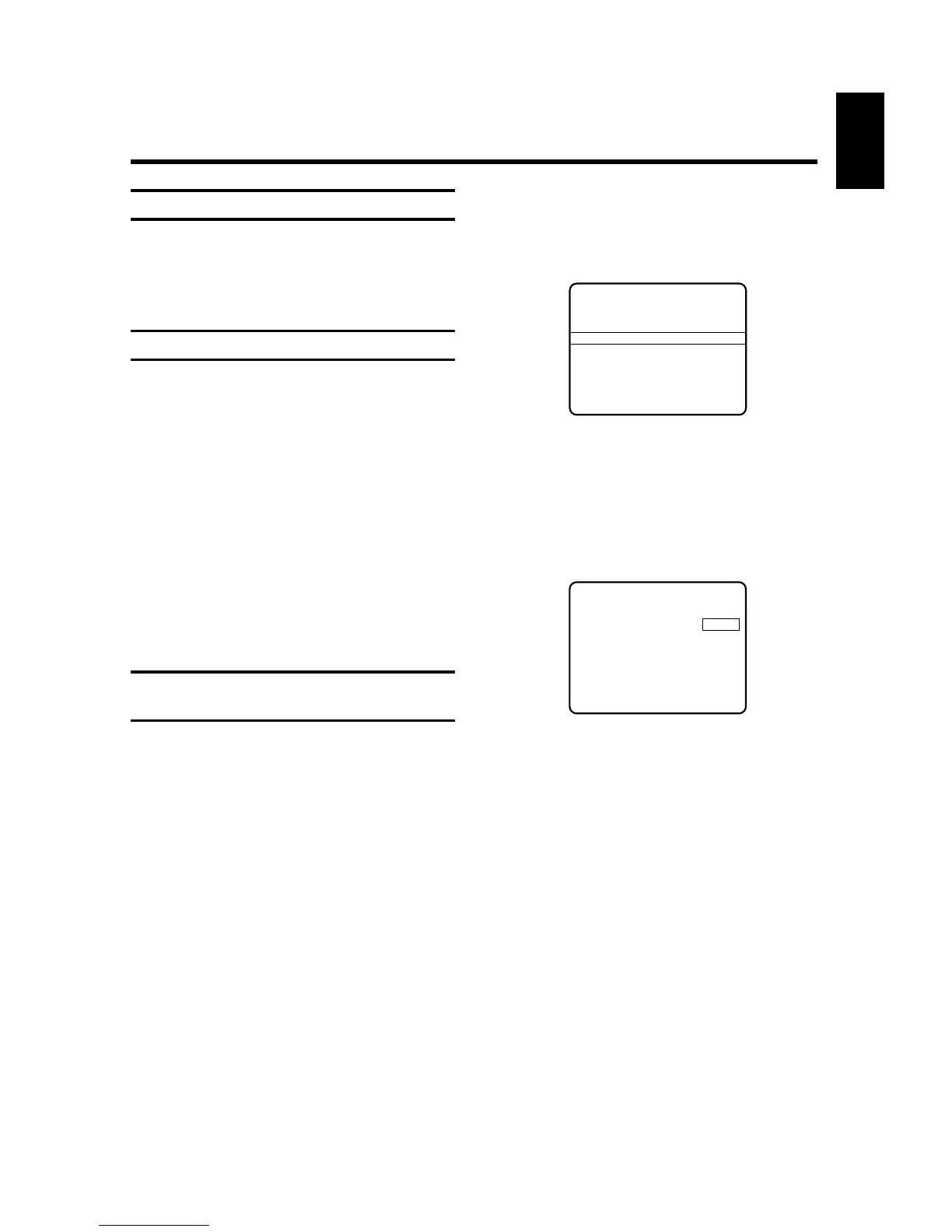
Press the l button. The OSD page "MAIN
MENU" appears on the picture screen.
¤
Select the option "Timer list". Confirm with the G
button.
$
The OSD page "TIMER LIST" appears on the picture
screen.
Check all of the TIMER data. If the data is correct,
press the d button to terminate and to
activate the TIMER. The video recorder display
indicates the current time.
How can I clear or correct a TIMER
block ?
!
Switch on the TV set and select the programme
position intended for the video recorder.
"
Press the l button on the remote control.
The OSD page "MAIN MENU" appears on the pic-
ture screen.
¤
Select the option "Timer list". Confirm with the G
button.
$
The OSD page "TIMER LIST" appears on the picture
screen.
%
Do you wish to clear a TIMER block?
If yes, select the desired line (TIMER block) with
the I or H button. Press the m button to
clear the TIMER block.
&
Do you wish to correct a TIMER block?
If yes, select the desired line (TIMER block) with
the I or H button. Press the G button.
/
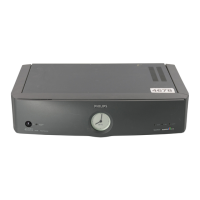
The OSD page "TIMER" appears on the picture
screen.
Use the F or G button to select the TIMER-
data (Dat., Prog., Start or End) you wish to correct.
(
Correct the data with the numeric buttons O or
with the I or H button.
)
Have you entered all data correctly?
If yes, press the B button on the remote
control.
"Timer ready"
appears briefly in the screen display
and is followed by the OSD page "MAIN MENU".
<:
Terminate programming with the l or
d button.
TIMER LIST
Date Prog. Start End
10 P14 20:00 21:00
- - - - - - : - - - - : - -
Total record time 1:00
Clear - CLEAR
Change -
> Exit - MENU
TIMER
Date Prog. Start End
10 P14 20:00 21:30
Confirm - OK



 To Next Page