42
4 Get started
Power On/Off
Note: Recharge the device for three hours before using it for the
first time!
1 Slide the Power/Hold switch on the side of the device downwards
for approximately two seconds.
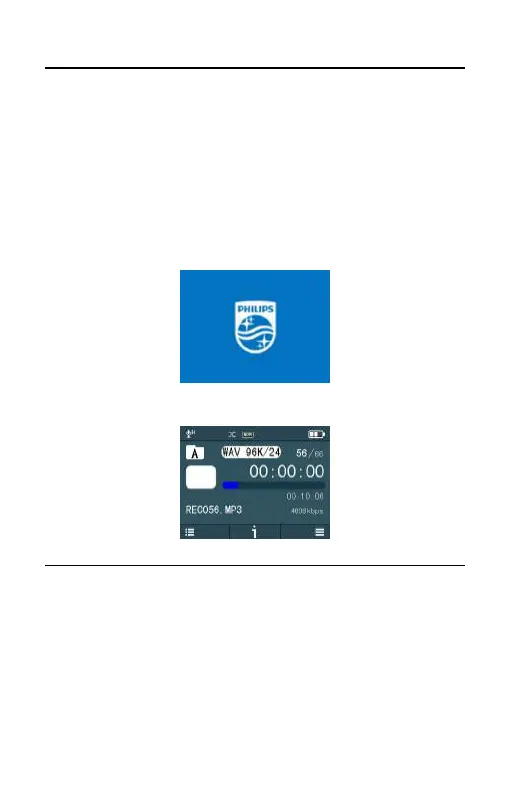
>The device turns on and the start-up screen is displayed.
>Then the device displays the stopped playback interface:
From now on, the device’s On/Off is controlled by the POWER
button as follows:
Switch off: When in the power-on state, slide the POWER button
until the “PHILIPS” picture is displayed, and then the device is
switched off.















 To Next Page