67
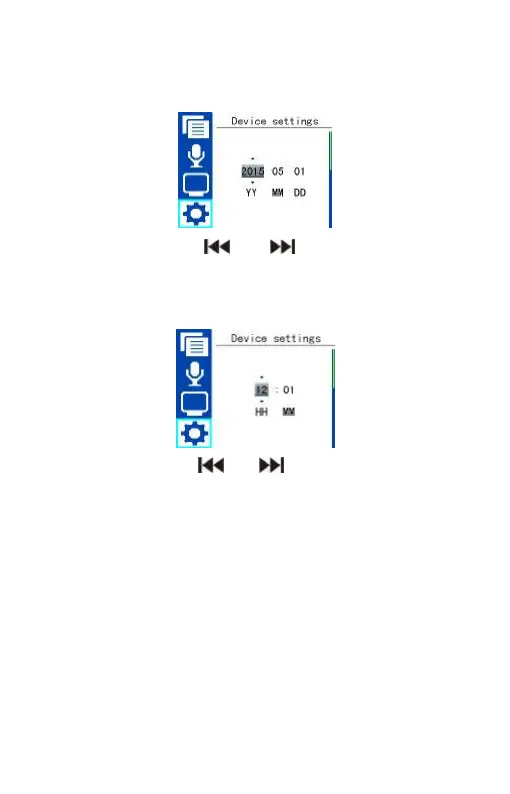
For example, when select ”Set date”,the device shows the picture as
follow:
On this interface, press “ ” or “ ” to select year, month and
day. Then press “+” or “-” to change the relevant numbers.
When select “Set Time”,the device shows the picture as follow:
On this interface, press “ ” or “ ” to select hour, minute. Then
press “+” or “-” to change the relevant numbers.
Auto off
If there’s no operation on the device for a set time, the system
automatically shuts down. If the time is set at 0, the system will not
automatically shut down. See the below auto off picture:















 To Next Page