10
MultiMedia
Media player
Save MP3, WMA, WAV and AMR music files under the Audio folder on
your phone and memory card.
Play music
1
Go to Media player>Music player>Options>Tracks, select your
desired song in the folder.
2
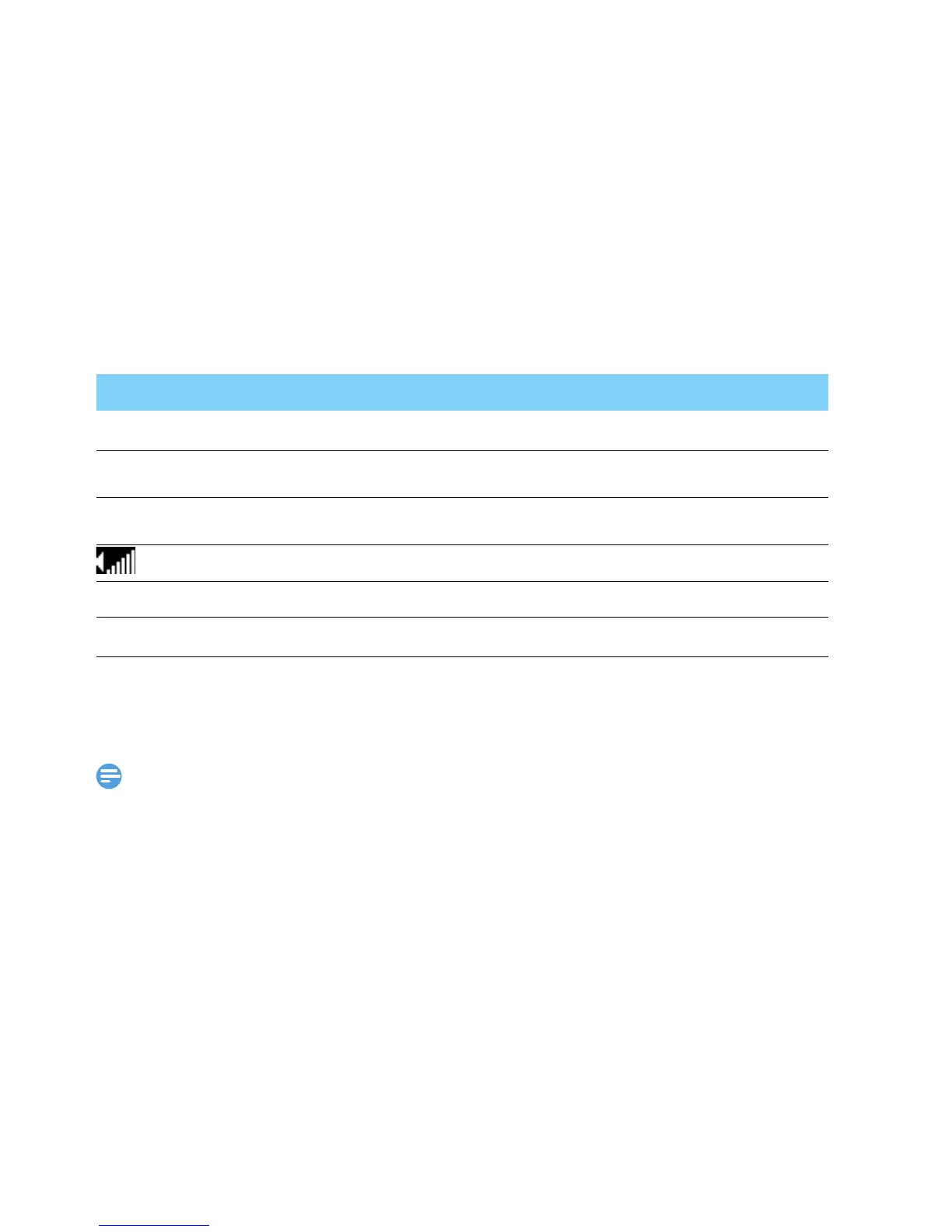
Using the following keys to control playback:
To turn off the music player on the home screen.
Press ), and then press
C.
•
When listening to music, adjust the volume to a moderate level. Continuous exposure
to high volume may impair your hearing.
Camera
Learn about camera function. Let you take photos as desired by using
your phone.
Take a photo
1
Go to Menu>Camera, select camera mode.
2
Aim the lens at the subject.
-
Press navigation key
<
or
>
to adjust the brightness.
-
Press side volume key to zoom in/zoom out.
Function Definition
C
Start or Pause playing.
<
Select previous track.
>
Select next track.
Press side volume key to adjust volume.
R (Right soft key) Return to the previous menu.
)
Go to the home screen.



 To Next Page