Text and number entry 19
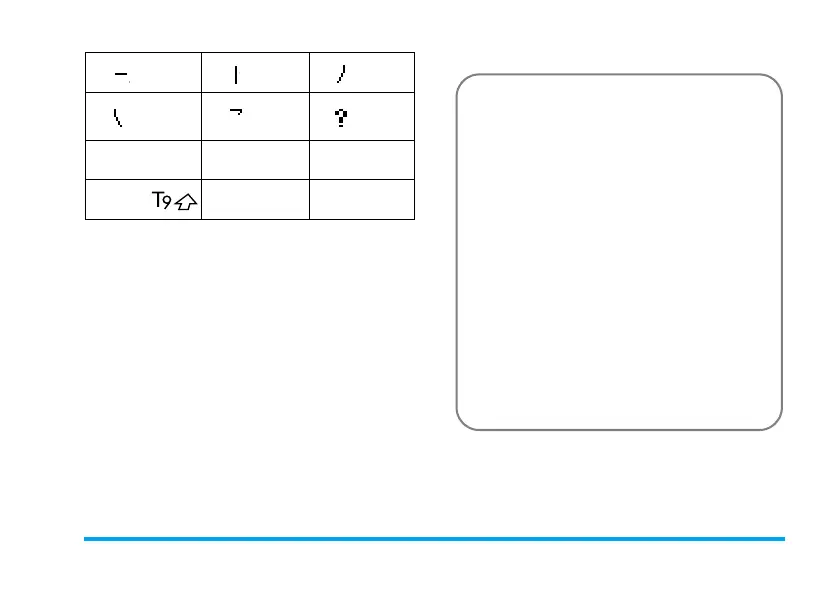
The basic steps of Stroke input are as follows:
The principle of stroke input is to dissect and
separate every stroke of a chinese character
according to sequence. When you wish to input the
character, press the keys corresponding to the
required strokes according to sequence to get the
1
Horizontal
2
Vertical
3
Left-falling
4
Right-falling
5
Over-
down
6
Special
7
8
9
*
Mode
0
#
Punctuation
1. Enter strokes
1
to
5
(excluding
7
and
9
)
R
to clear.
2. Select from candidate list
<
or
>
/
+
or
-
(scroll list)
3. Confirm selection
,
4.
Select and enter association character,
or return to step 1 to enter new strokes.
5. Or press
R
to exit from association character
input mode, then press
,
to complete the
editing.



 To Next Page