- 9 – Phoenix Audio Technologies www.phnxaudio.com
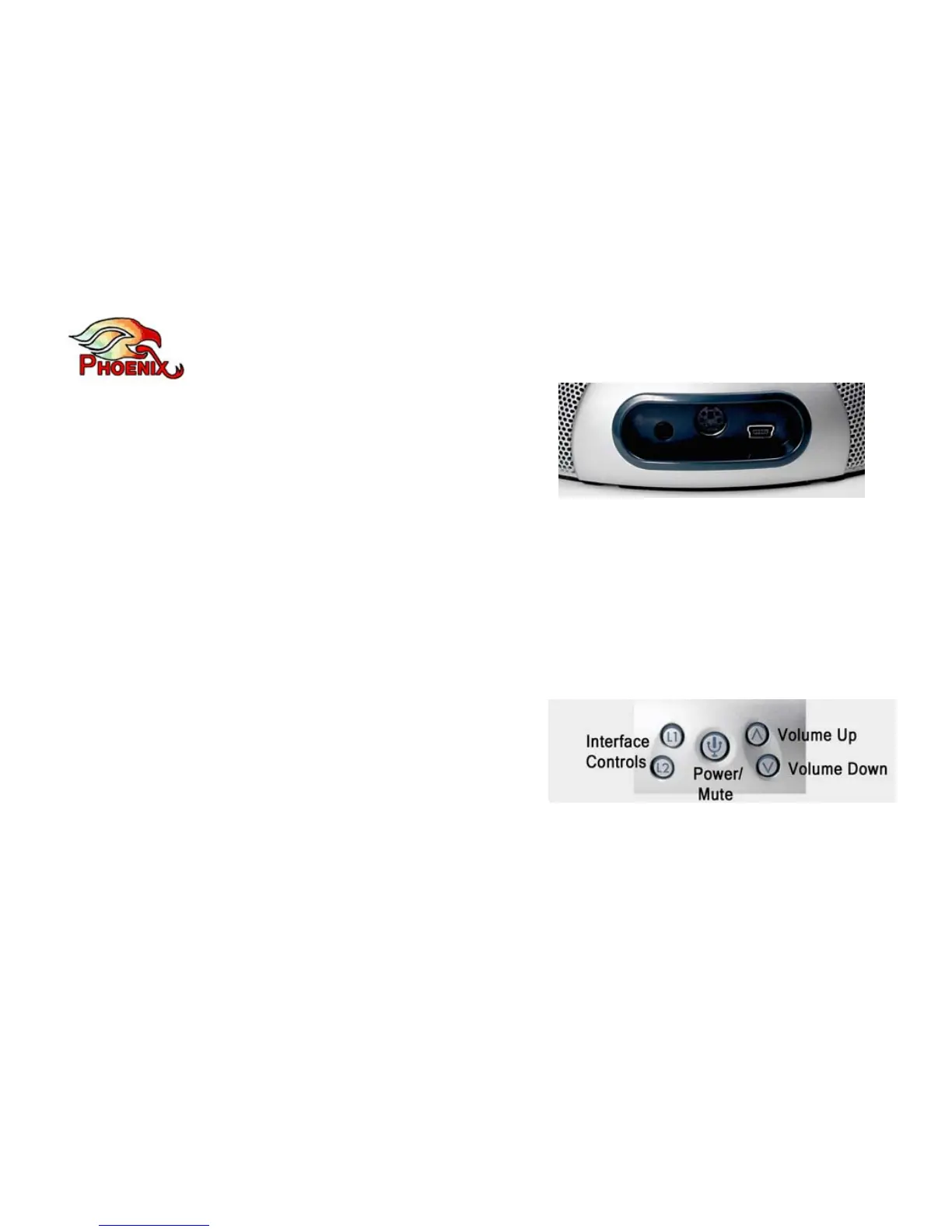
- Cascading (DIN6 - in the middle) for chaining
additional Quattro units. This connector can also
be used to connect an external microphone. The
chained Quattro unit must have a Daisy Chain
interface. Please refer to the Daisy Chain
Interface chapter for more details.
- 3.5mm for external speakers or headphones (using this jack will disable the Quattro’s
internal speakers).
Control Panel
The Quattro’s control panel has five buttons:
- Power On/Off and Mute button (in the middle)
– see details of operation below.
- Volume Up and Volume Down (to the right)
- Interface control buttons (noted as L1 and L2 – to the left). These two buttons serve
different functions depending on the interface module you are using. In some cases (for



 To Next Page