20
If you have problems inserting the hearing system, use
your other hand to gently pull your earlobe downwards.
This opens the ear canal a little more and you can
gradually rotate the dome until it fi ts correctly.
You have now successfully inserted the right hearing
system. Now insert your left hearing system in the
same way (marked in blue, see step 5.1)
Step 5.3 For inserting a hearing system with a SlimTip
or Shell
Follow the instructions in Step 5.2, as this procedure is
identical.
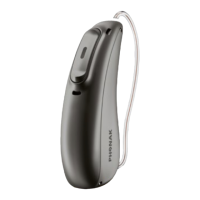
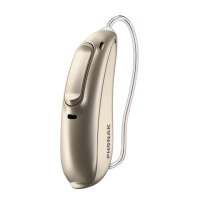
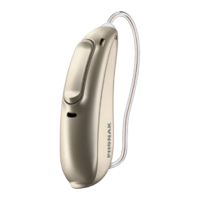
Step 6. Adjusting the volume control behind the ear*
Your hearing care professional can confi gure your hearing
system (push) button as either a volume control or a
program selector.
* Option/Function not available for Audéo MINI
4. Step-by-step instructions





 To Next Page