Home
Phonak
Hearing Aid
Audeo V30
Page 14 (How to Put On Your Hearing Aid)
Phonak Audeo V30 - How to Put On Your Hearing Aid
44 pages
Manual
Save Page as PDF
To Next Page
To Next Page
To Previous Page
To Previous Page
Loading...
14
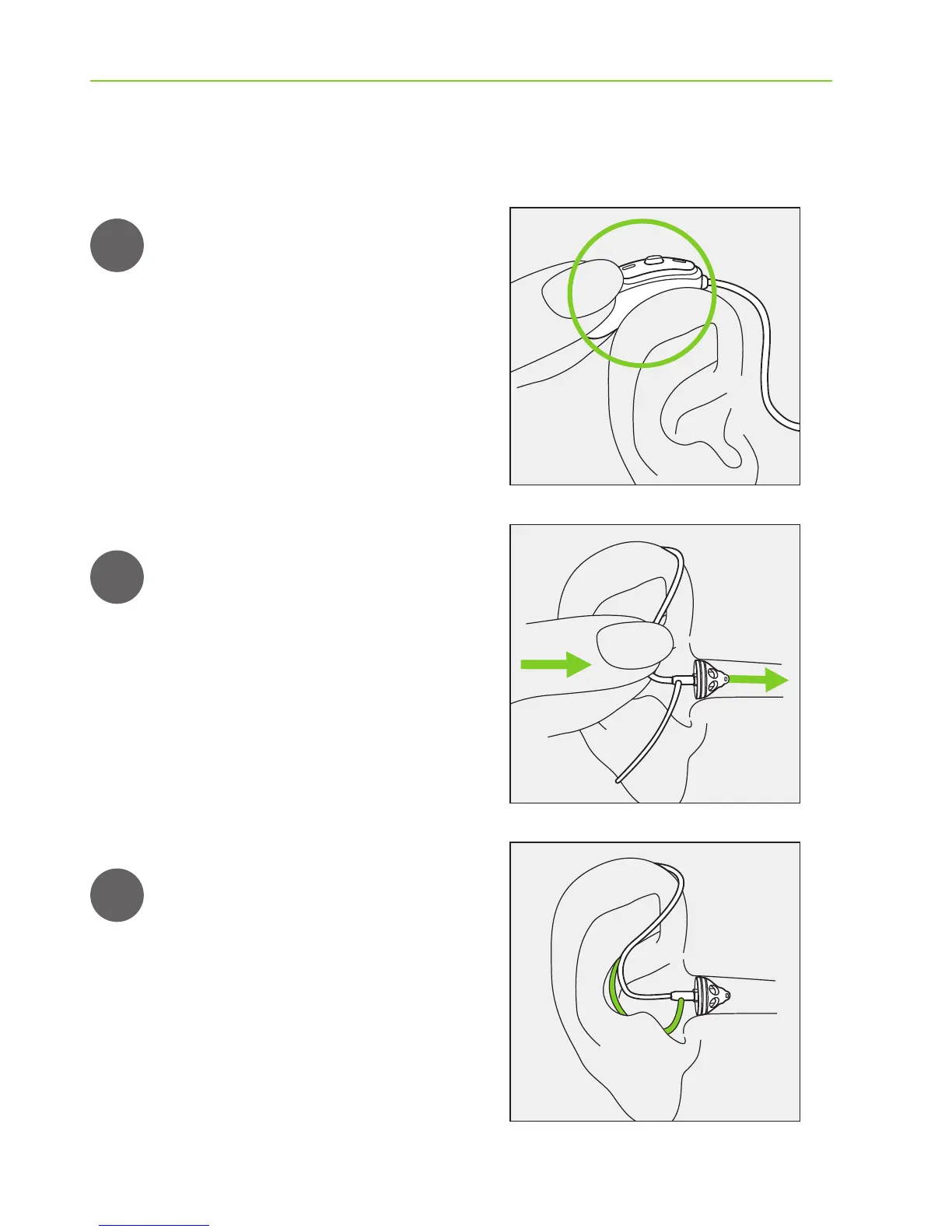
8. Putting on the hearing aid
1
2
3
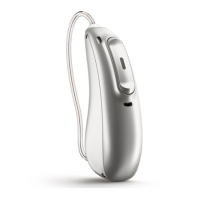
Place the hearing aid behind
your ear
.
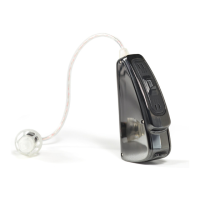
Insert the earpiece into your
ear canal.
If there is an anchor attached
to the earpiece, tuck it into
the bowl of your ear to secure
your hearing aid.
13
15
Table of Contents
Main Page
Table of Contents
2
Your Hearing Aid Details
3
Welcome
4
Quick Guide
6
Parts of the Hearing Aid
8
Left & Right Hearing Aid Markings
10
On/Off
11
Batteries
12
Putting on the Hearing Aid
14
Removing the Hearing Aid
15
Push Button
16
Volume Control
17
Care and Maintenance
18
Wireless Accessories
21
Service and Warranty
22
Warranty Limitation
23
Compliance Information
24
Information and Description of Symbols
28
Troubleshooting
32
Important Safety Information
34
Hazard Warnings
35
Information on Product Safety
38
Related product manuals
Phonak Audeo V90
44 pages
Phonak Audeo V90-13
52 pages
Phonak Audeo V90-312
52 pages
Phonak Audeo
32 pages
Phonak Audeo Yes
40 pages
Phonak Audeo P30
40 pages
Phonak Audeo P-RL
45 pages
Phonak Audeo M90-R
80 pages
Phonak Audeo S YES
44 pages
Phonak Audeo P70-R
104 pages
Phonak Audeo P90-R
104 pages
Phonak Audeo B70-R
32 pages



 To Next Page