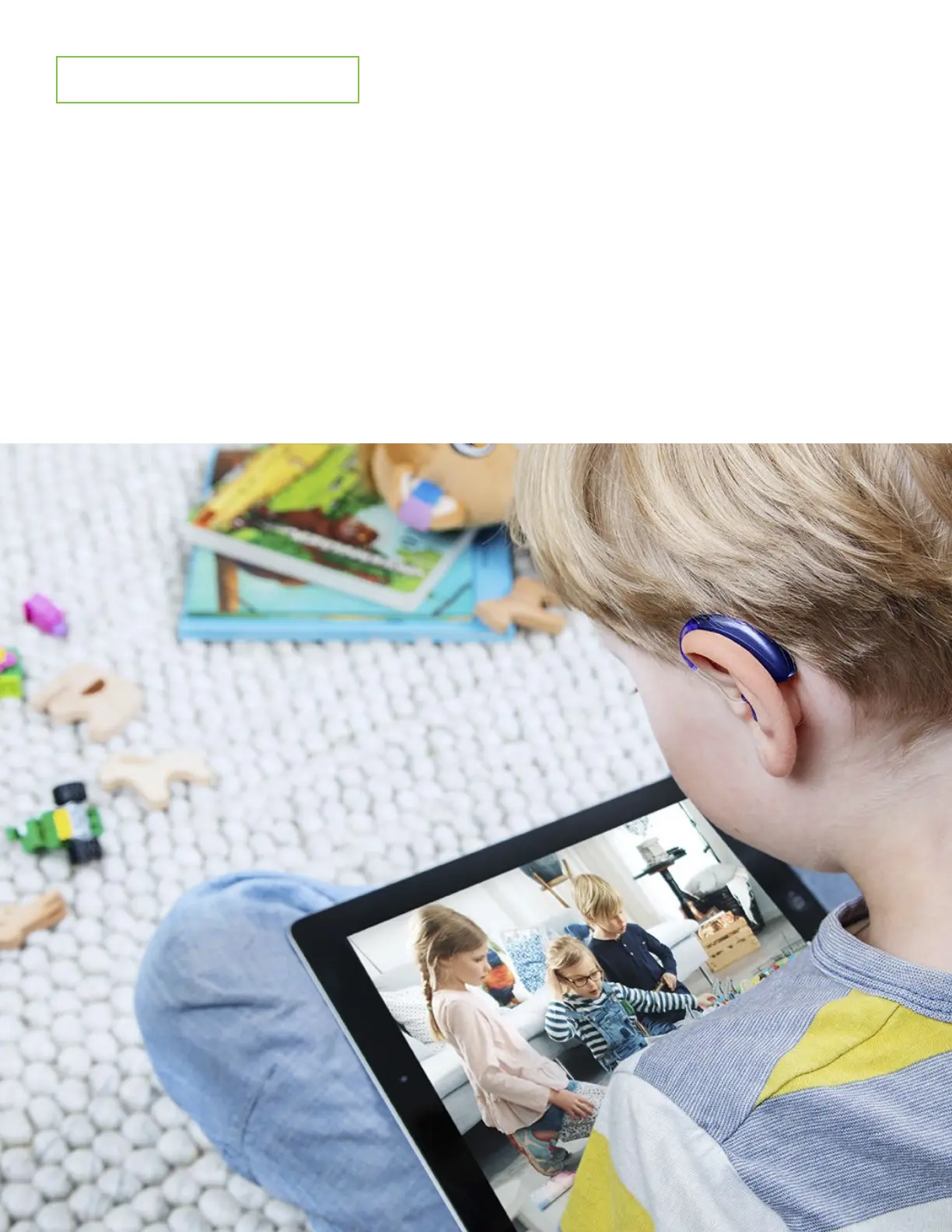
Connecting to Cells/Tablets
1. Go to your home screen and tap on the “Settings” icon.
2. Enable your Bluetooth.
3. Reboot your hearing aids. You now have 3 minutes to pair your hearing aids with your device
4. Select the hearing aid from the Bluetooth list. Even if you wear 2
hearing aids only 1 aid will pair to your cell/tablet.
5. When successfully paired you will hear a confirmation beep in your hearing aid(s).
6. Play audio source (i.e. YouTube, Spotify).
7. Audio should stream automatically.




 To Previous Page