22 23
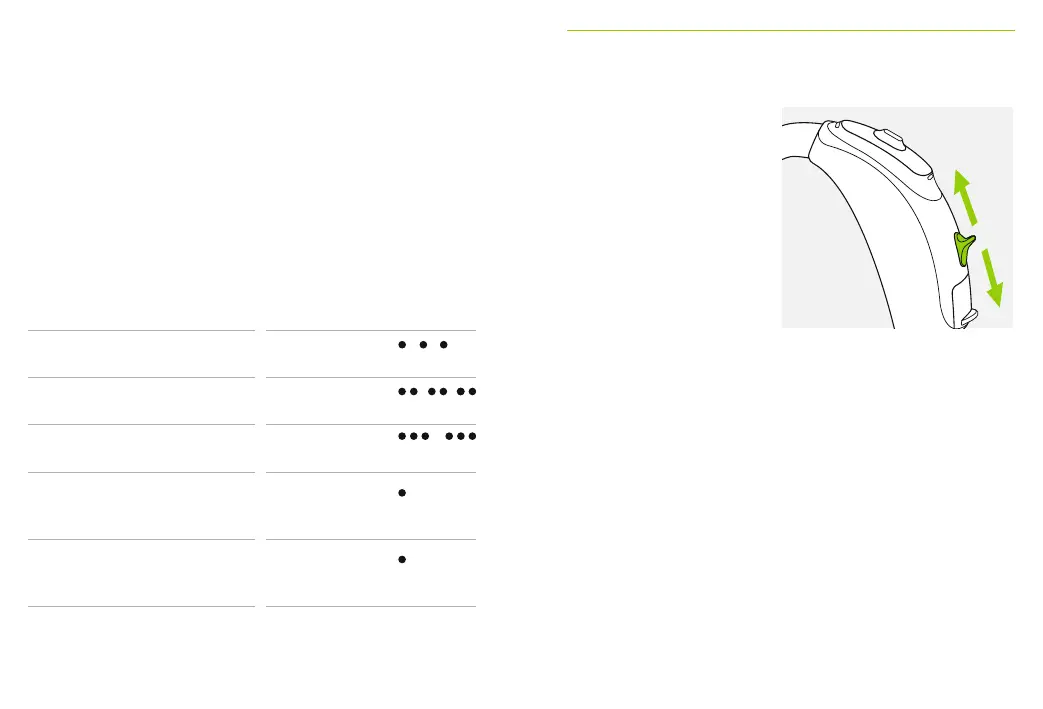
9. Volume control
Applies to all Sky B
models (except Sky B-M):
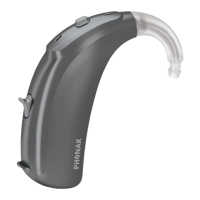
To increase the volume,
press the volume control
upwards. To decrease the
volume, press the volume
control downwards.
The volume control can
be disabled by the hearing
care professional.
The complete list of hearing aid indicator light patterns
are shown below. Please ask your hearing care
professional to mark what has been activated accordingly.
Status hearing aid Indicator light pattern (yellow)
c
Hearing aid is powered on Repeating single
blink
c
Hearing aid is powered on
and Roger is accessible
Repeating
double blink
c
Low battery * Repeating
triple blink
c
Volume level change (either
initiated by a remote control
or by the volume control)
Single blink
per volume change
c
Program change (either
initiated by a remote control
or by the push button)
Single blink per
program change
* Low battery alert is initiated approx. 30 minutes before the battery needs to be changed.
It is recommended that you always have a new battery available.



 To Next Page