28 29
1
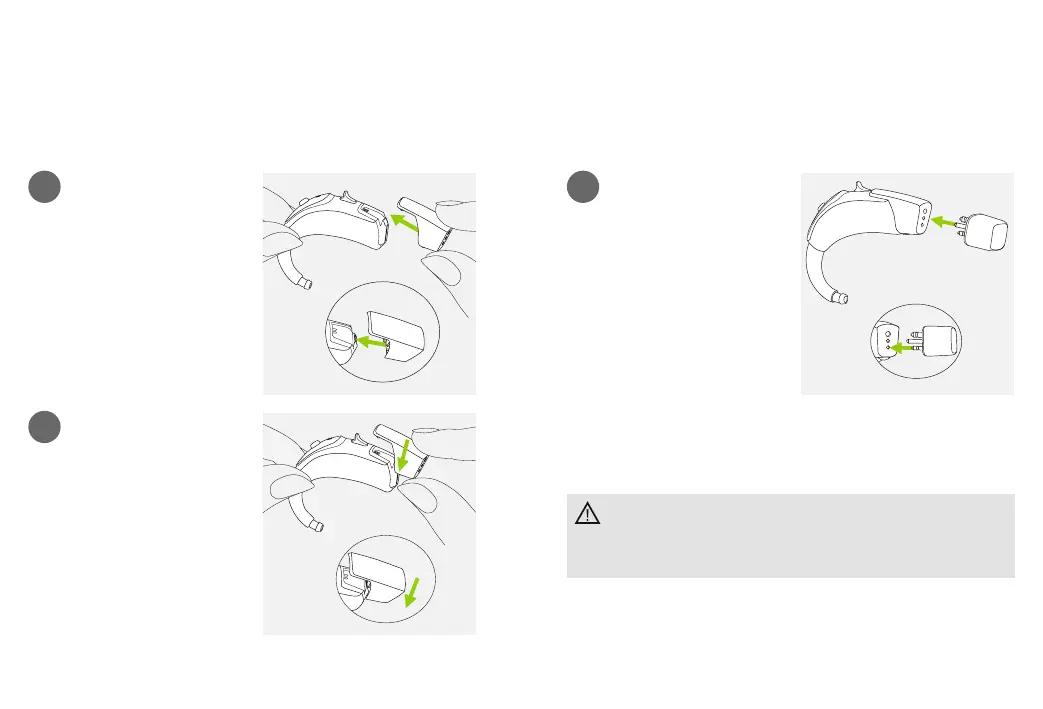
Push the three pins of the
Roger X receiver into the
three sockets of the audio
shoe. The Roger X receiver
is correctly attached when
it is clicked into place.
Please refer to the specic receiver user instruction for
further information.
Attach the Roger X receiver
To hear immediately the Roger microphone signal
when required, we recommend to leave the Roger X
receiver attached when not in use.
1
2
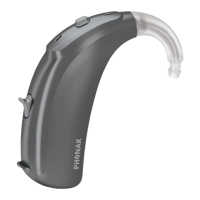
Push the audio shoe
towards the bottom of the
hearing aid. Match the
grooves of both parts.
Push until it snaps into
place and is properly
attached to the hearing aid.
A Roger X receiver can now
be attached.
Attach the audio shoe



 To Next Page