5
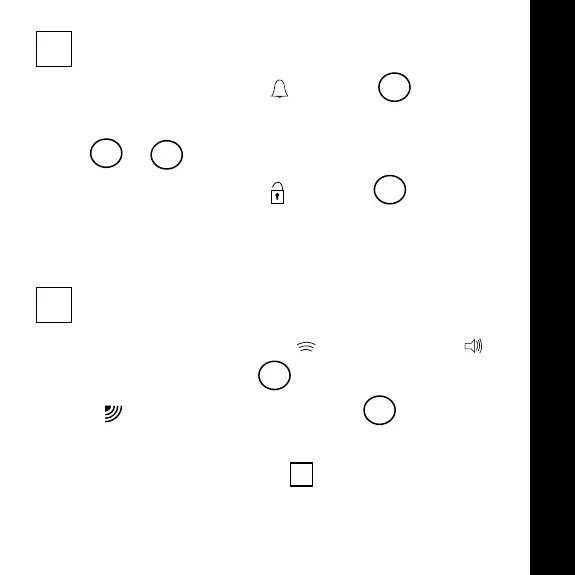
3 set alarm time
• Slide set switch to position 7
• Press hour and minute buttons to set time
4 & 8
• Slide set switch to position 7
NOTE: Alarm is not activated until the alarm switch is set
4 choose type of alarm and activate
• Choose vibrating alarm or audible alarm on
the alarm switch 3
• will appear on the display 1
Alarm is now activated and will sound or vibrate
at the time set in section 3
English
3101 ShakeAwake guide-Europe 8/13/02 2:20 AM Page 18


 To Next Page