6
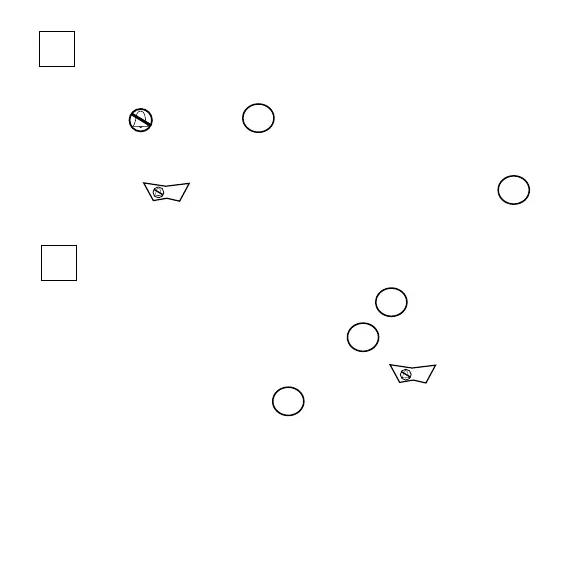
5 turn alarm off
• To deactivate alarm, slide alarm switch
to position 3
OR
• Press to stop a sounding or vibrating alarm 2
6 choose snooze alarm setting
• Slide set switch to Zzz position 7
• Zz will appear on the display 1
• When alarm sounds or vibrates, press to stop
alarm for 8 minutes 2
Zz will flash continuously and alarm will repeat
every 8 minutes
NOTE: To have snooze alarm repeat every 8 minutes, you
must stop the alarm within 1 minute from start
3101 ShakeAwake guide-Europe 8/13/02 2:20 AM Page 19


 To Next Page