Instructions for Analogic Tv-Tuner
TV-Functions
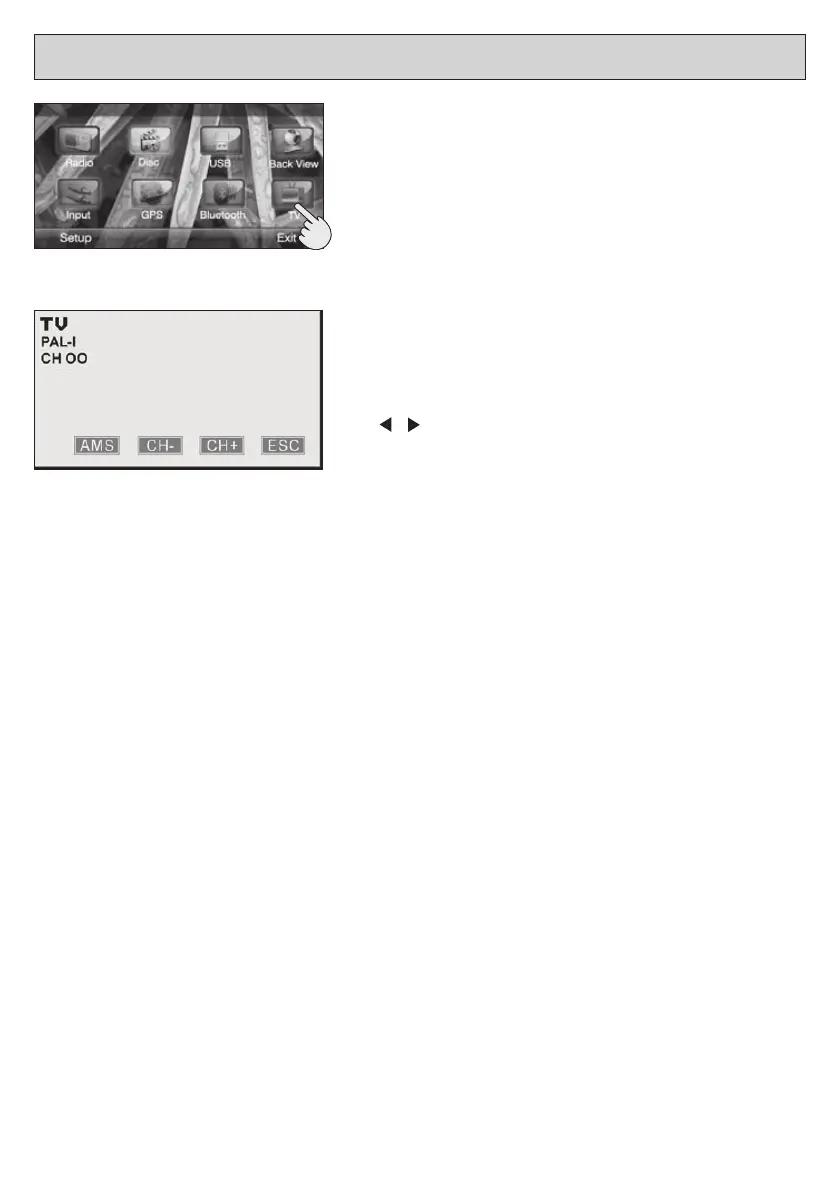
InordertogettheTV-functions,selectthecorrespondingicon
fromtheMainMenu.
RESEARCHANDAUTOMATICMEMORIZATIONGof
CHANNELS
Press AMS to scroll and automatically memorize the TV-line.
SELECTINGtheMEMORIZEDCHANNELS
Press on the remote-control, or press CH-/CH+ on the
Screen, to choose the requested Channel.
Tohavedirectaccesstooneofthememorizedchannels,digit
the corresponding Channel-number on the remote-control unit.
Example:press(0)and(8),totuneonChannel8.
QUITtheTV-FUNCTIONS
Press ESC-key on the Screen, to return to the Main Menu.


 To Next Page