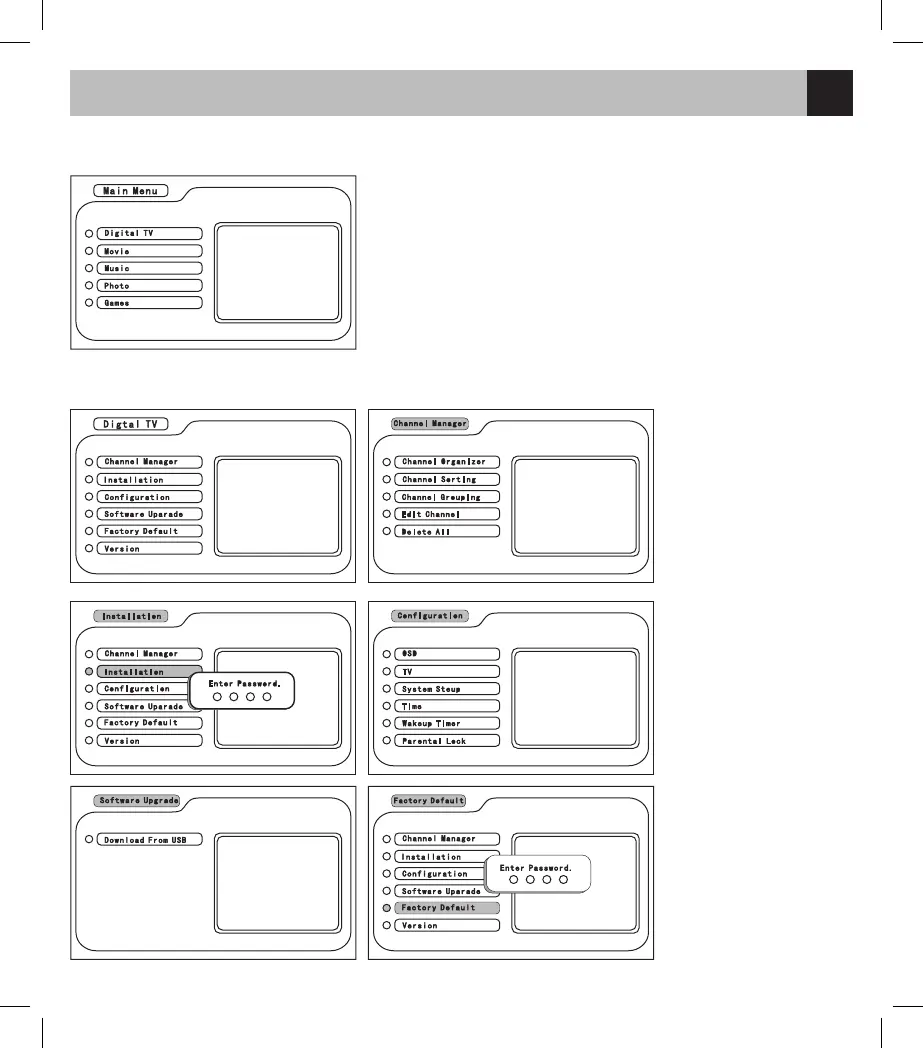
Press the MENU button to enter the main menu. Then press CH +/- to select the item of Digital TV, Movie,
Music, Photo and Games.
1. Digital TV: the menu of TV system setting
2. Movie: the menu of movie/USB/SD playback
3. Music: the menu of music/USB/SD playback
4. Photo: the menu of image/USB/SD playback
5. Games: the menu of game (including Boxman /Tetris/ Hitrat)
In the main menu, select Digital TV and enter the interface of the TV system setting.
1. Channel Manager: to
search the frequency of
channel for TV stations.
2. Installation: input the
password “0000” to enter
the interface of searching
channel directly
3. Configuration: to enter
the menu of the system
setting
4. Software Upgrade:
upgrade the software
5. Factory Default: to
restore the default setting
password 0000



 To Next Page