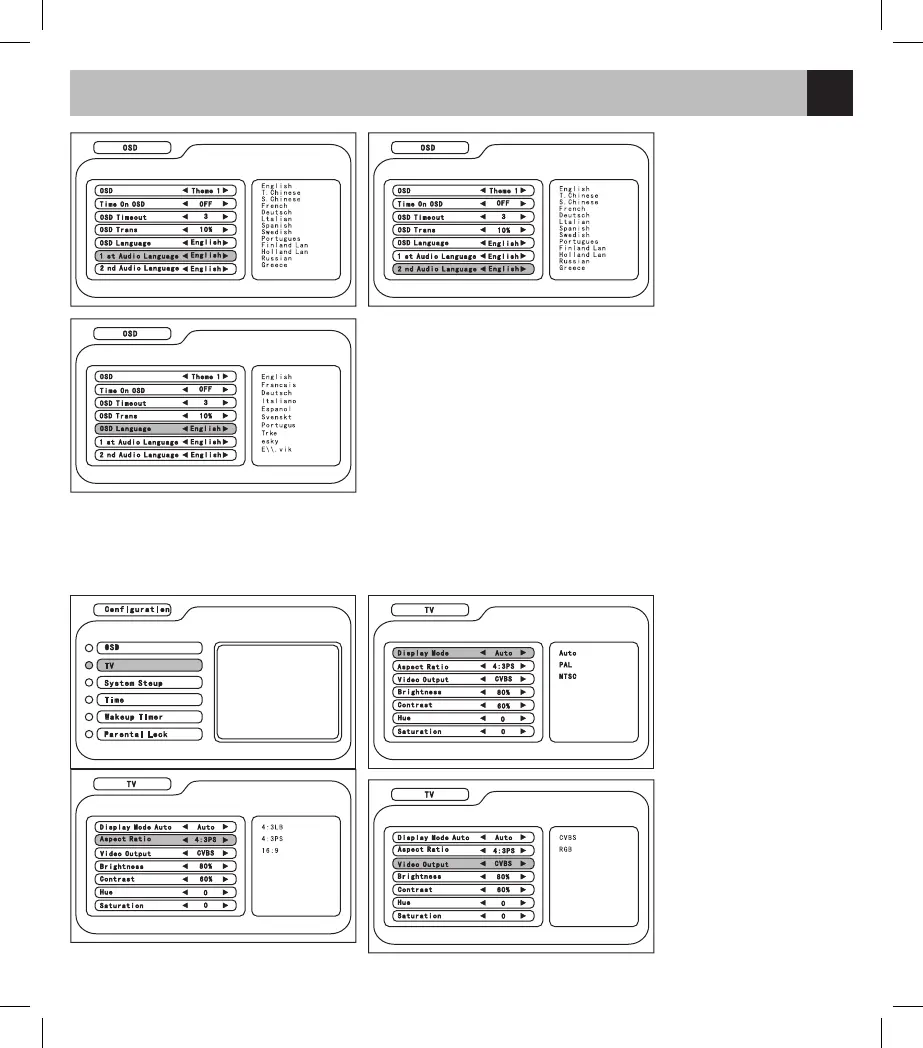
5. 1st Audio Language: to
set the language of audio
6. 2nd Audio Language: to
set the language of audio
7. OSD language: to set
language OSD
In the Configuration menu, select TV and press CH +/- to select the item, press </> to adjust the parameter.
1. Display Mode: to set the
Video system (including
Auto/PAL/NTSC)
2. Aspect Ratio: to set the
aspect ratio of playback
(including 4:3LB / 4:3PS
/ 16:9)
3. Video Output: to set
the mode of video output
(including CVBS/RGB
chromatic mode)



 To Next Page