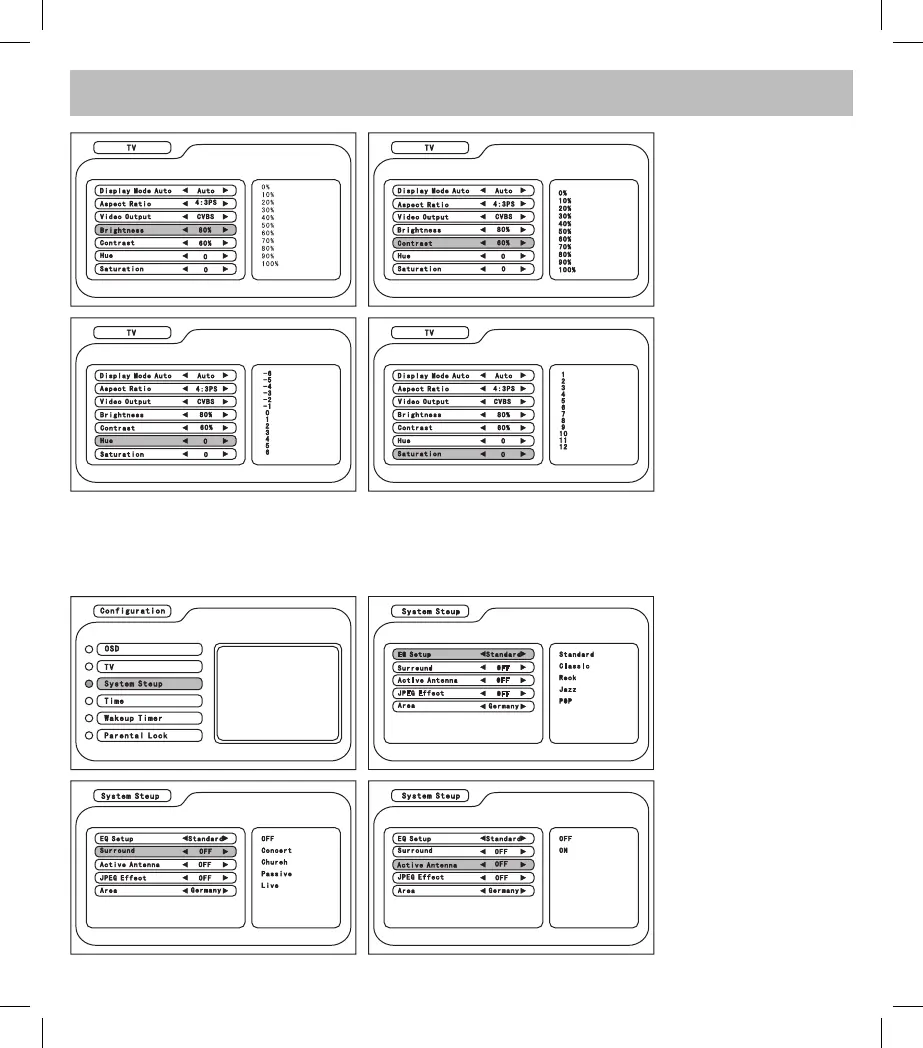
In the Configuration menu, enter System Setup and press CH+/- </> to select the item and adjust the
parameter.
4. Brightness: to set the
brightness of the display
5. Contrast: to set the
contrast of the display
6. Hue: to set the hue (the
exchange of dark and hue)
of the display
7. Saturation: to set the
saturation (of the color) of
the display.
1. EQ Setup: to set
the playback style of
the system *including
Standard/ Classic/ Rock/
Jazz/ Pop)
2. Surround: to set the
playback background
of the system (including
Concert/ Church/ Passive/
Live)
3. Active Antenna: to
active the function of the
antenna.



 To Next Page