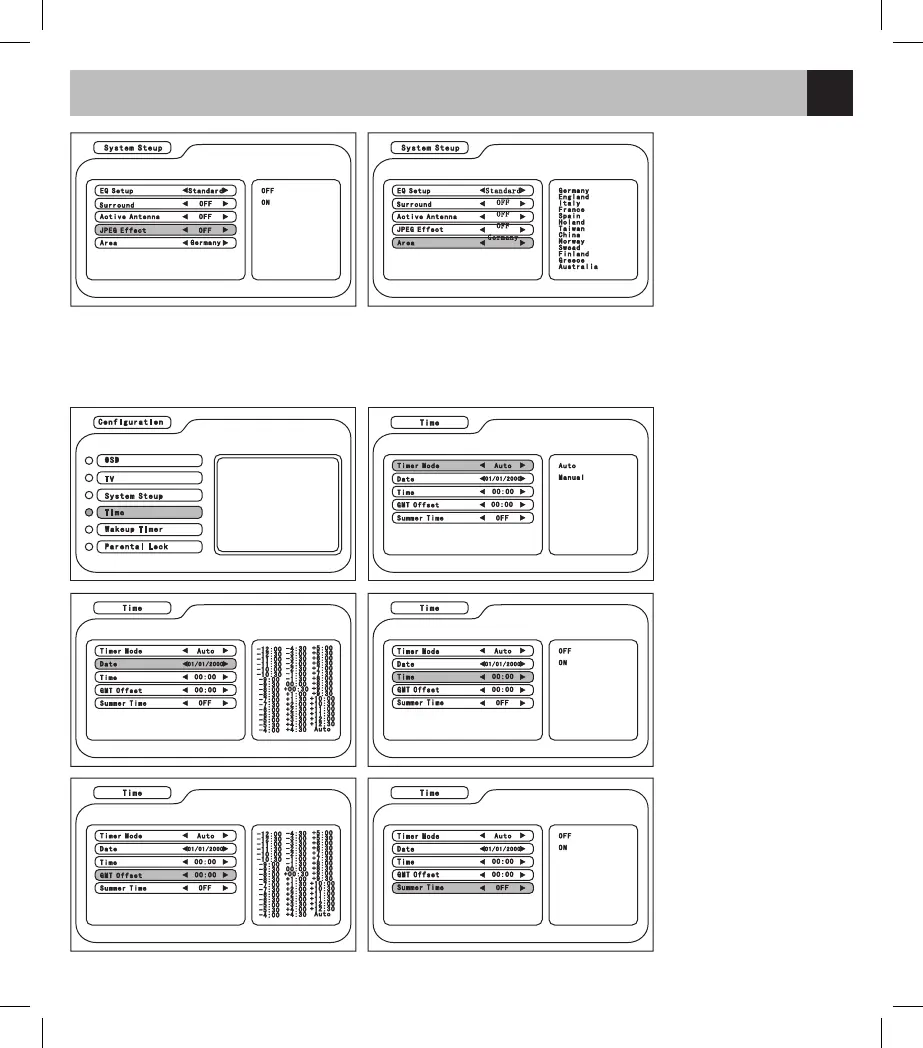
4. JPEG Effect: turn on to
display the JPEG file
5. Area: User could choose
the most suitable TV
frequency form 13 different
countries in the menu:
Germany, England, Italy,
France, Spain, Holland,
Taiwan, China, Norway,
Sweden, Greece, Australia
In the Configuration menu, enter Time and press UP/DOWN/LEFT/RIGHT to select the item and adjust the
parameter.
1. Timer Mode: to set the
regular system for the TV
2. Date: to set the date
of the system through
the calendar interface (it
functions when the Timer
mode is set as Manual)
3. Time: enter the time by
number pad and press
ENTER to confirm (it
functions when the Timer
Mode is set as Manual)
4. GMT Offset: it functions
when the Timer Mode is
set as Auto
5. Summer time: turn on/
off the summer time mode
(it functions when the
Timer Mode is set as Auto)



 To Next Page