06
EN
❹
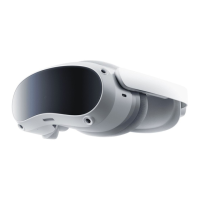
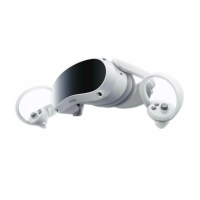
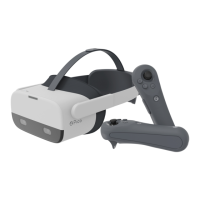
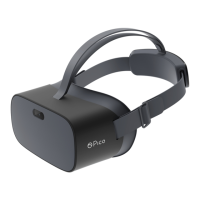
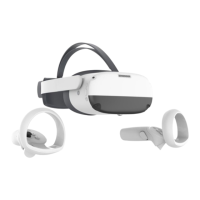
Wear the headset and adjust it to ensure a comfortable t and view
• Raise the rear part of the head strap and wear the headset. Adjust the headset so
that you have a clear, unobstructed view.
• After the headset ts into place, buckle up the rear part of the head strap and
tighten the strap dial.
Note: This product does not support vision correction. If you need vision correction, wear your
glasses or lens inserts while using this product.
❺
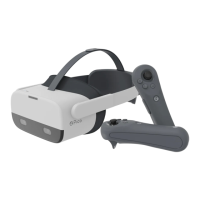
Fine-tune the head strap top strap
Fine-tune and tighten the top strap to reduce the pressure on your forehead.



 To Next Page
 Loading...