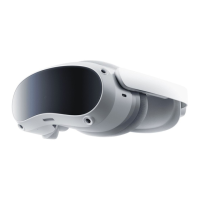
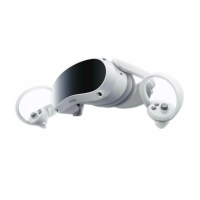
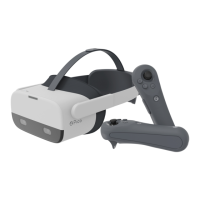
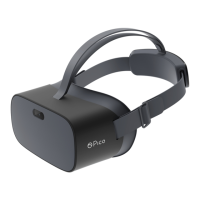
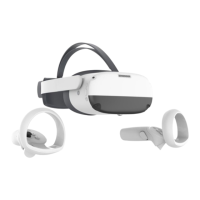
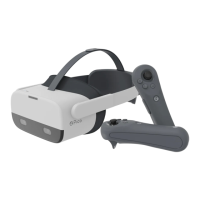
08
EN
Power
Power on: Press and hold for 3 seconds
Power off: Press and hold for 3 seconds
Force restart: Press and hold for 10 seconds
Press to enter Sleep Mode when powered on
Press to wake up when in Sleep Mode
Status Indicator
Face Cushion
Volume
RGB Perspective Camera
Do not block the camera when using the
product
A: IR Emitters
B: Depth Camera
Do not block the camera when using the
product
Top Strap
Removable
Strap Dial
Tracking Camera
Do not block the camera when using the
product
USB-C Compatible Port
Left/Right Speaker
Proximity Sensor
Wear the headset, and the system will wake
up automatically
Take off the headset, and the system will
enter Sleep Mode automatically
VST Indicator
When the VST camera is turned on, the
white indicator will stay constant
When images are being saved, the white
indicator will ash
①
②
③
④
⑤
⑥
⑦
⑧
⑨
⑩
⑪
⑫
⑬



 To Next Page
 Loading...