28
BIP-7000 Manual
Using Barcode Reader
6TJOH4DBOOFS 4DBOOJOH#BSDPEF
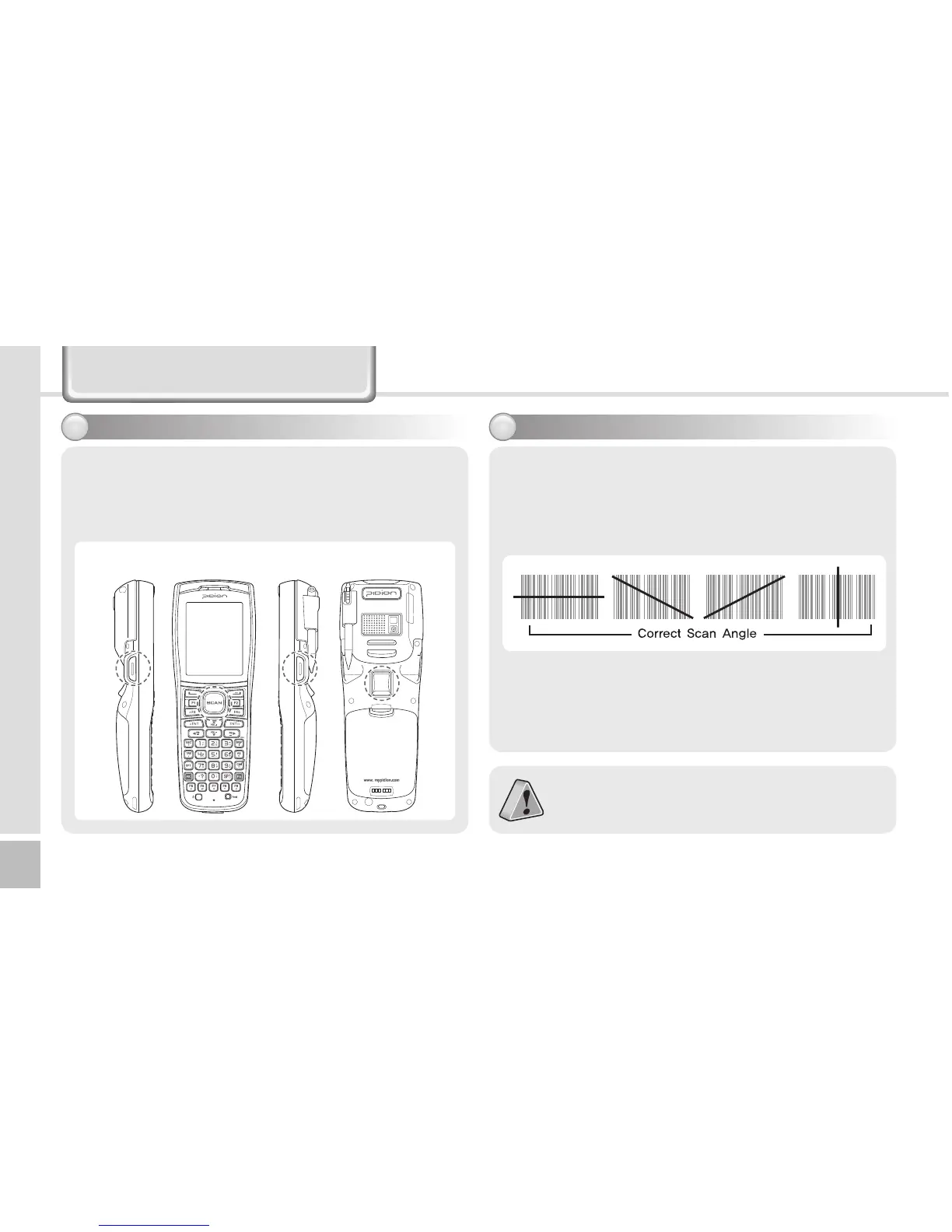
Press the [Front Scanner], [Back Scanner] or [Side
Scanner] button to start scan a barcode.
The scanned barcode information is automatically
saved in the PDA.
To scan a barcode, keep a distance of about 10 cm
between the barcode and the barcode scanner
window and scan the barcode at the correct
angle.
To use a barcode in a specific program, contact
the manufacturer of the specific program.
Scanner Button



 To Next Page