BIP-7000
29
$IFDLJOHUIFTDBOOFECBSDPEFJOGPSNBUJPO
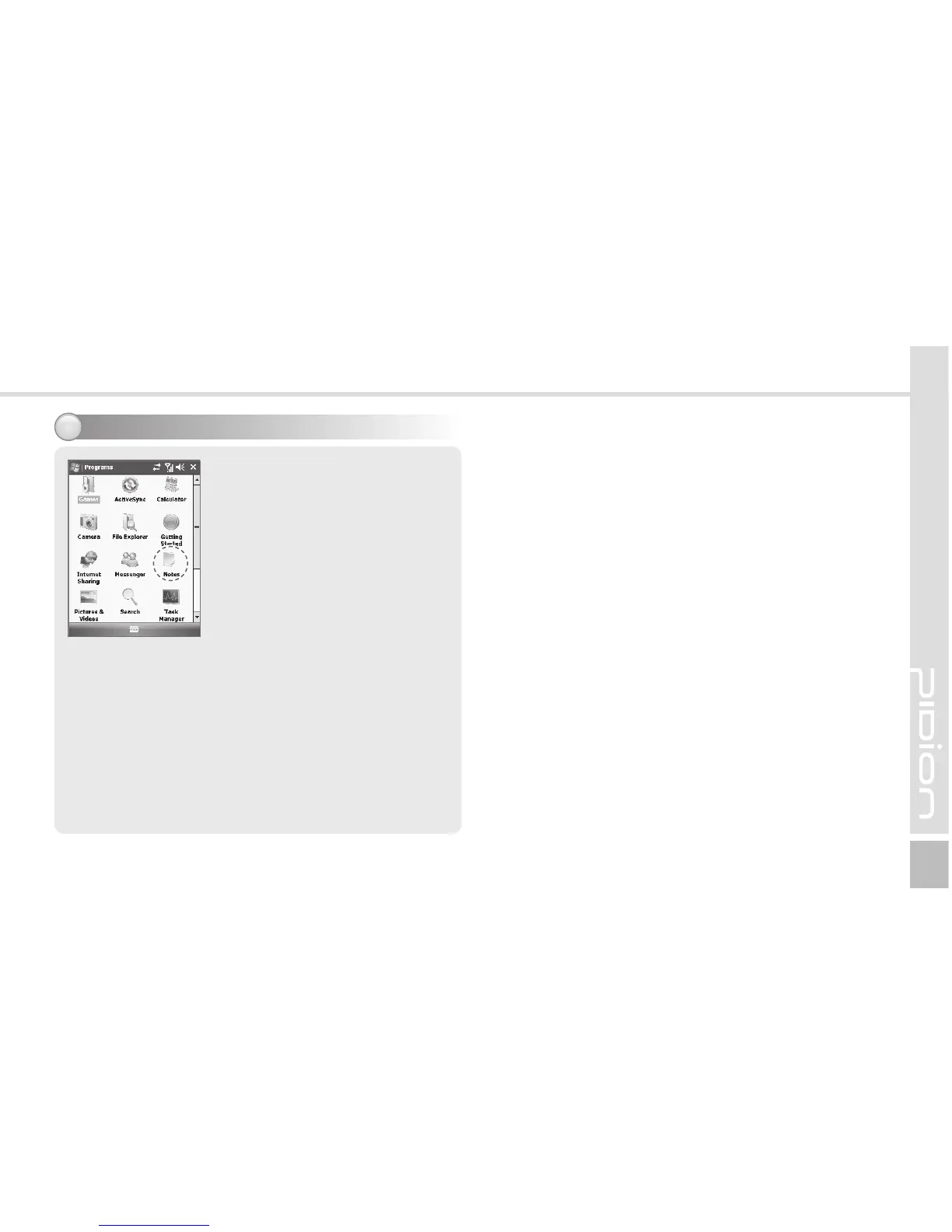
Start
Ķ
Programs
Ķ
Notes
Run <Memo> program
and select [New...] before
scanning.
Scanned barcode informaton
is appeared in [New] file.
The scanned barcode is
automatically saved in
[Memo].
The barocode information will
not be saved if close [Memo]
program without saving.
Select <Menu> from <Memo>
program, and select [Attach]
to save the scanned barcode.



 To Next Page