2. Anatomy and Functions
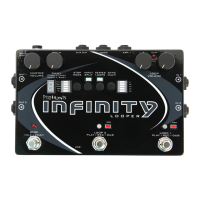
2.1 Footswitches
Loop 1
This footswitch controls the looping actions for Loop 1.
Pressing the Loop 1 footswitch at any time will arm Loop 1, illumi-
nating the corresponding red LED and indicating that Loop 1 is ready
to receive Play, Stop, Overdub and Undo commands. Loop 1 is armed
by default upon power up.
If there is no audio recorded on Loop 1, pressing the Loop 1 footswitch
will begin recording immediately. Once the loop is recording, pressing
the Loop 1 footswitch again will close the loop and begin playback.
During playback, pressing the Loop 1 footswitch will open an overdub
layer on Loop 1. Once an overdub is recording, pressing the Loop 1
footswitch again will close that overdub layer and continue playback.
When a loop has been recorded but is stopped, pressing the Loop 1
footswitch will resume playback from the beginning of the loop.
Loop 2
This footswitch controls the looping actions for Loop 2, and functions
the same way as the Loop 1 footswitch (see above).
6


 To Next Page