Wheels Installation:
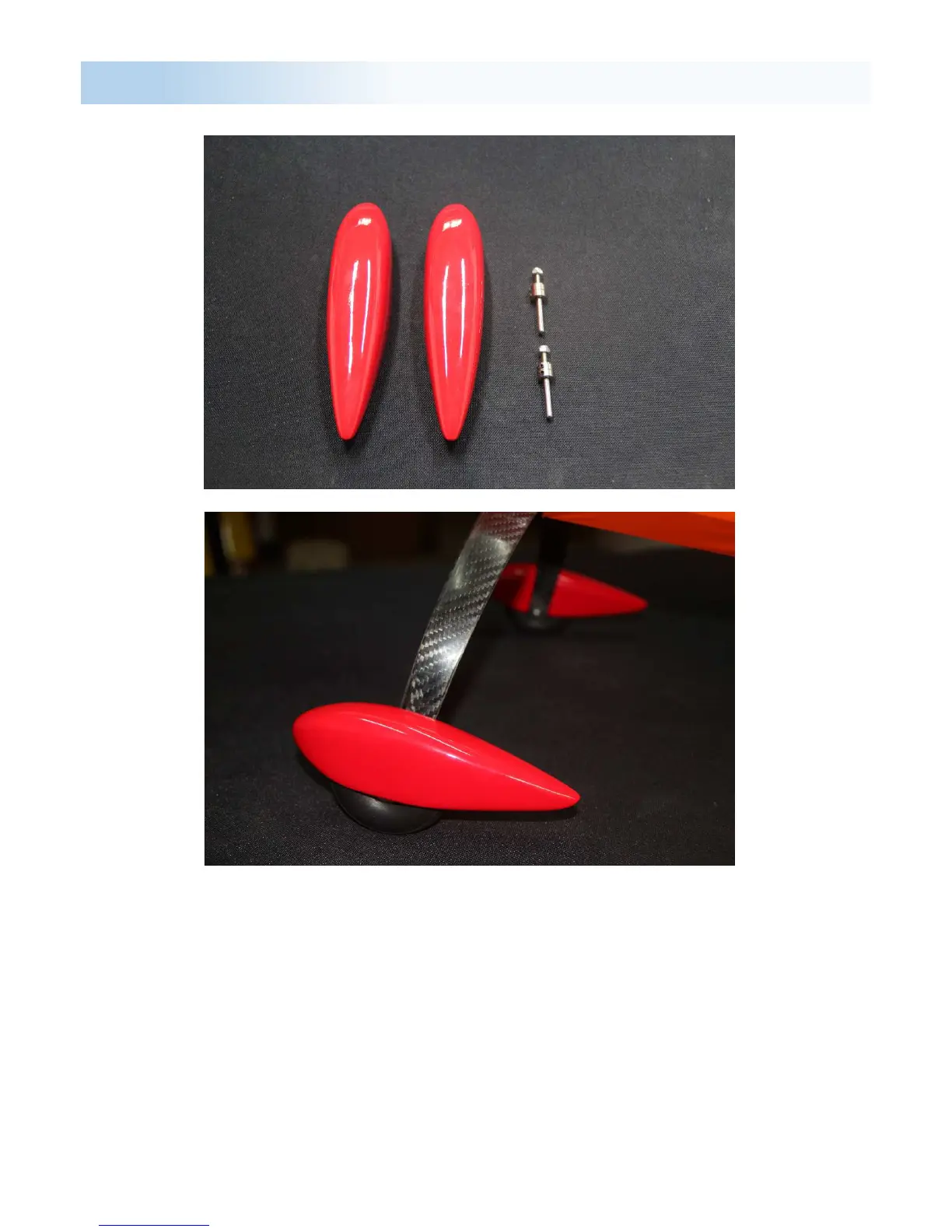
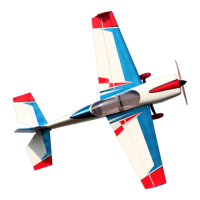
Slide the wheel pants over the wheels and axles, supporting the rear of the
pants to line up with the ground and mark where to drill the two screw holes
in the wheel pants.
Remove the wheel pants and drill the holes for the appropriate holes.
Before putting back on the plane, mount the bolt with the blind nut on the
wheel pant and tighten until the nut sits flush with the wheel pant.
Remove the bolts and the nuts should stay in place.
Slide the wheel pants back over the wheel and bolt in place.


 To Next Page