26
PRE-OPERATION CONTROLS
BRAKE PEDAL
Press the brake pedal and feel that it is tight and check whether it returns to original
posiiton after being released.
PARKING BRAKE PEDAL
Please check whether the parking brake pedal is locked to its’ position with a clear
click sound and is relased when the accelerator pedal is pressed.
NOTE:--------------------------------
release the parking brake pedal by pressing the accelerator pedal.
--------------------------------------
BODY AND CHASSIS
Please control the body and chassis of the golf cart against damage and/ or lost
parts before each use.
B
C
27
OPERATION
MOVING THE VEHICLE
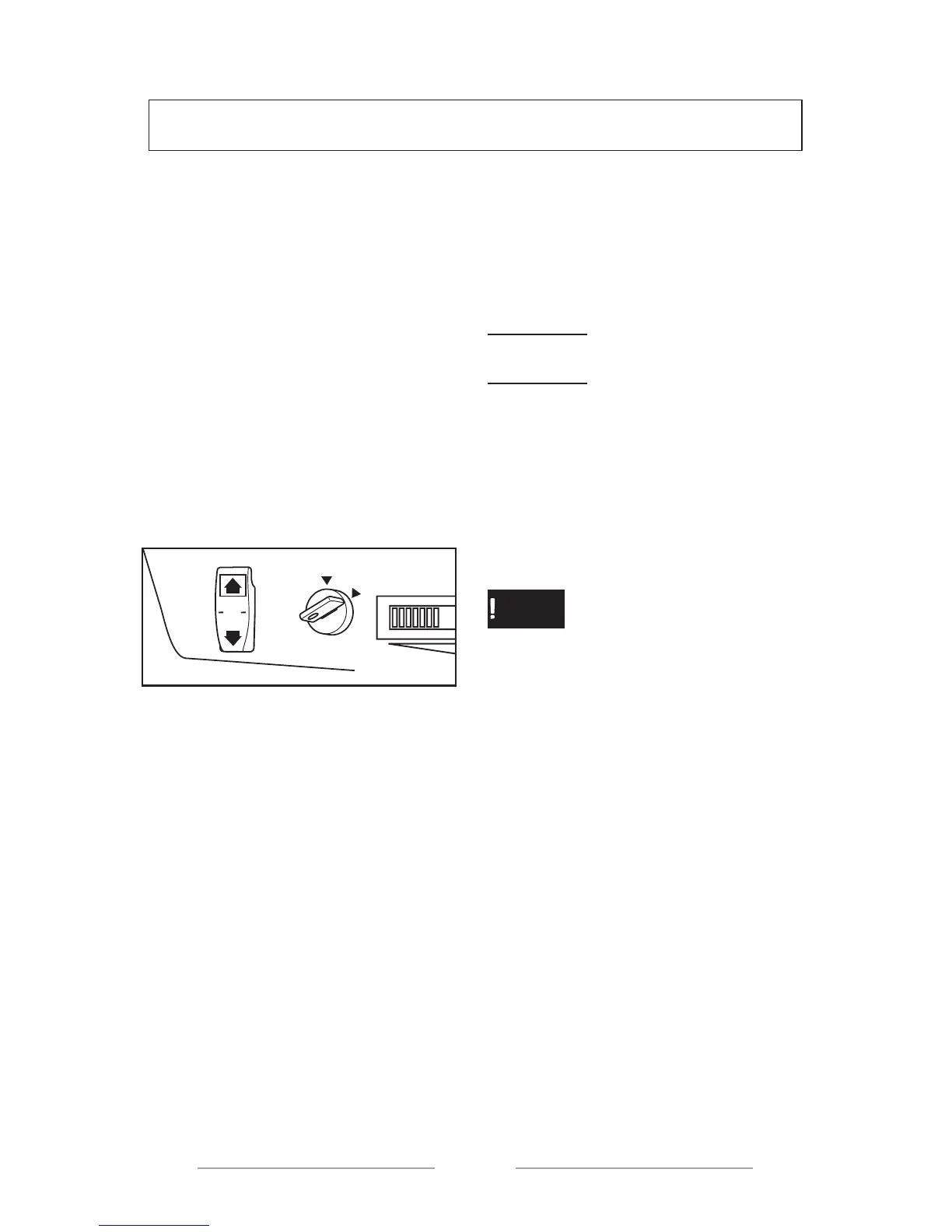
1. Please set the direction
selector button to FWD to go forward
and REV to go backwards when the
park brake is activated.
-----------------------------------------
CAUTION !
When the golf cart is moving, do not
set the direction selector arm from
FWD to REV position.
--------------------------------------
2. Please turn the ignition key
to ON position.
--------------------------------------
ATTENTION
• While turning the ignition key,
please do not press the accelerator
pedal otherwise the golf cart may
suddenly move.
--------------------------------------
3. Please check whether the
road in your direction is convenient
or not and slowly press the
accelerator pedal. The golf cart will
move.
NOTE:--------------------------------
The park brake pedal will be
automatically released when the
accelerator pedal is pressed. .
--------------------------------------
O
FF
ON
REV
N
FW
D
0



 To Next Page