Overview
Operating Manual PMI 5
1002241-EN-07
8
2.2 Front view
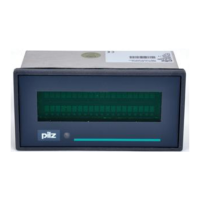
2.2.1 PMI 509
Fig.: Front view PMI 509
Legende
[1] F1 ... F4 (function keys)
[2]
Touchscreen (see Technical details [ 45])
[3] ESC, ENTER, cursor up, cursor down
The key allocation is predefined by the operating system, the configuration can be changed
as desired.



 To Next Page
 Loading...