Run a channel SCAN after connecting and positioning antenna
Important: Always re-scan for channels whenever you move your antenna.
Antenna Placement Options and Tips
Signal reception and quality depends on the distance from the broadcast tower to your
home. Surrounding geography and environment may also affect signal strength and
reception.
If your reception is sporadic or needs to be improved, try the helpful tips below:
1.
2.Face the antenna towards the nearest broadcast tower.
3.If you find the channels are less than expected, Please refer to “How many channels can I
receive?” In FAQ below.
Place the antenna in a higher location.
6
Also Scan:
- Anytime antenna is moved
- Every month
- If you lose a channel
Scanning finds all available channels,
including newly added or changed.
General Instructions
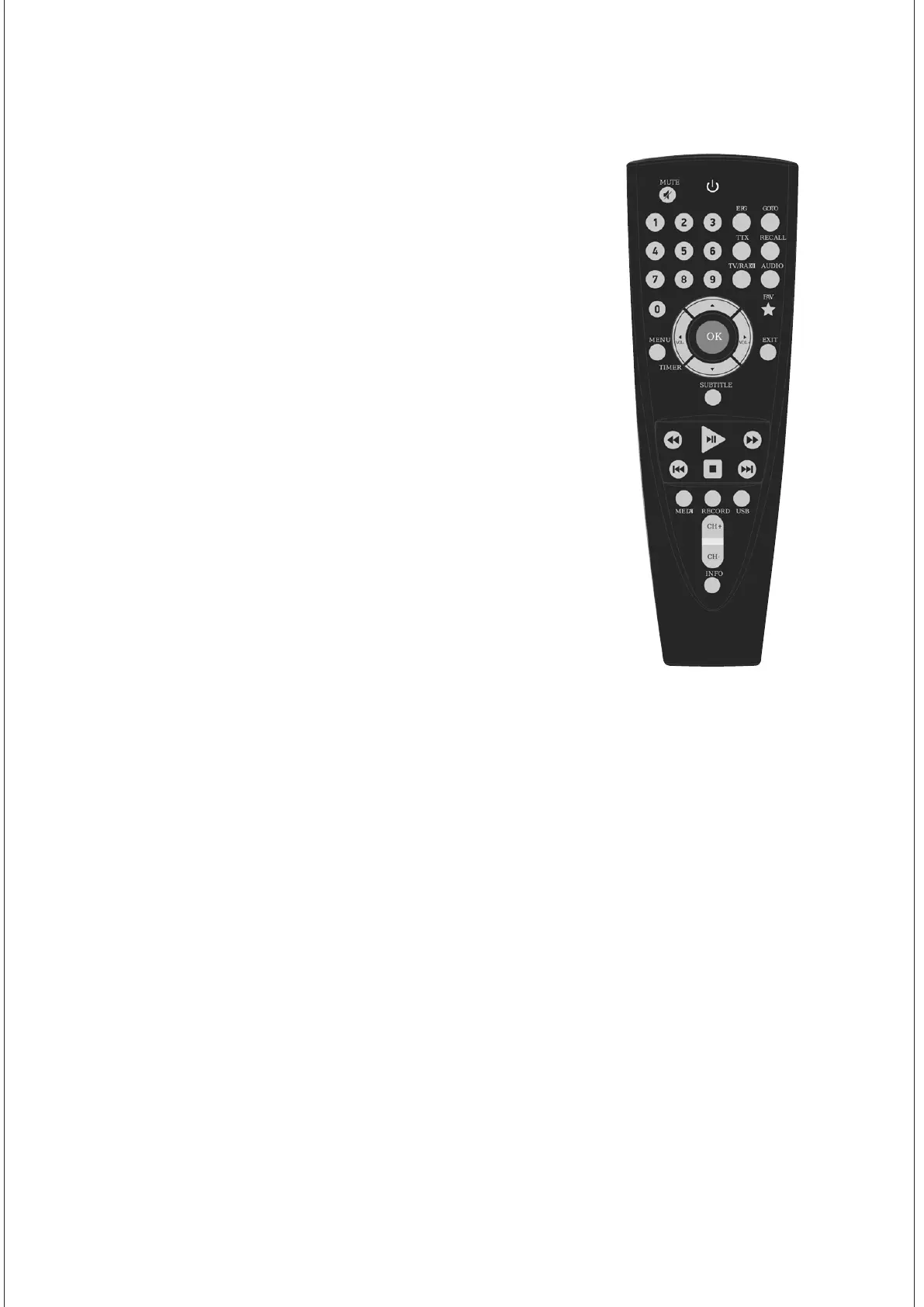
1. Select MENU on the remote control that
came with your TV or digital converter box.
2. Select Channel Settings or Tuner Settings
3.Select Signal Source
4. Select Antenna or Air; not Cable
5. Select Channel Search or Channel Scan
Steps may vary. See your television’s manual.


 To Next Page