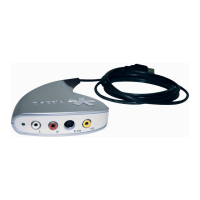
Dazzle DVD Recorder
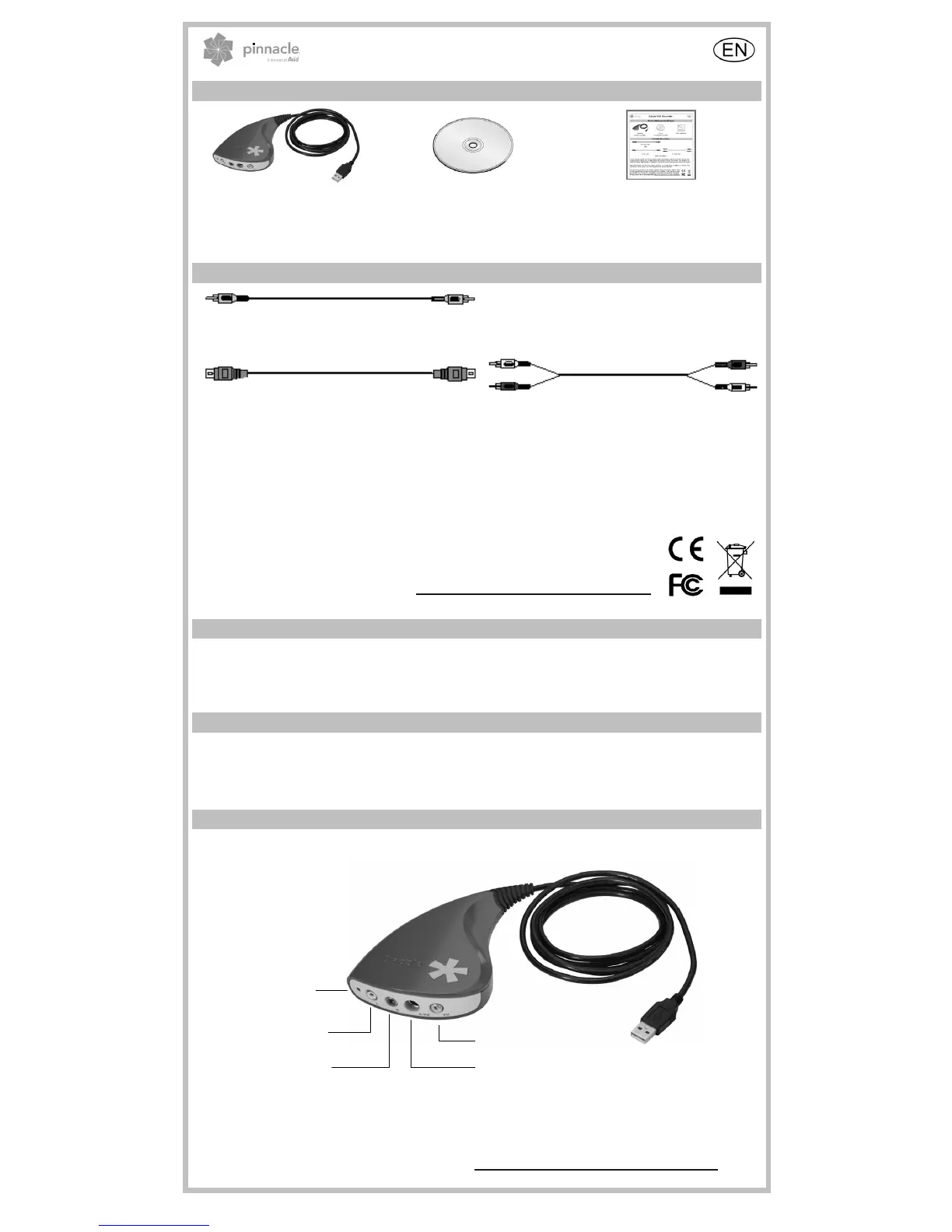
Here’s what you should have
Hardware
(Image is a sample)
1 Disc:
- Instant DVD Recorder
Quick Start Guide
You will also need…
RCA Video Cable
- OR -
S-Video Cable RCA Audio Cable
(Not included!)
Avid Technology GmbH reserves the right to change the package contents at any time, therefore the
actual package contents may be different from the package contents listed herein. Specifications are
subject to change without notice or obligation. If any parts are missing, please contact your retailer.
Important: Dazzle DVD Recorder requires Windows XP (Service Pack 2 or higher) or Windows Vista
(32 bit only). Please make sure your computer meets this requirement.
Avid Technology GmbH hereby declares that this equipment complies with the funda-
mental requirements and other relevant terms and conditions of EC directive number
89/336/EEC. The CE and FCC declarations of conformity and identical construction
for this product can be downloaded from http://www.pinnaclesys.com/compliance
.
1 - Installing your software
1. Please insert the Instant DVD Recorder CD-ROM into your computer’s disc drive. The setup
program will now start either automatically or you can click on setup.exe on the CD-ROM.
2. Follow the on-screen instructions.
2 - Installing your hardware
Connect the hardware to the computer’s USB 2.0 port.
Note: If - after the restart of the computer - the Add New Hardware dialog box appears, please follow the
on-screen prompts.
3 - Connecting analog video devices and editing video
Connect the outputs of your analog video device to the inputs of the hardware.
Audio In Right
Power LED
udio In Left
Composite Video In
S-Video In
USB
The Instant DVD Recorder makes it possible for you to quickly and easily burn videos direct-to-disc, i.e.
from your video source directly to a DVD – without first saving it on your hard disk! You simply have to
connect your analog video source, start Instant DVD Recorder and after just a few steps your burned
DVD will be completed.
To access technical support, go to: http://www.pinnaclesys.com/support
© 2008 Avid Technology GmbH 8420-00822-01 R1


 To Next Page
 Loading...