V. Enjoy your TV application (Pinnacle MediaCenter)
PCTV is an all-in-one entertainment solution for the modern world. Now you can
record your favorite shows and watch them anytime you like. Pause and rewind
live television with the unique TimeShifting features.
Use the Electronic Program Guide (EPG) to turn PCTV into your automated
personal digital video recorder. You’ll even be able to watch your recorded
shows away from home on your laptop, DVD player, iPod and PSP. The first
time MediaCenter is accessed, you will see the Media Player as shown below.
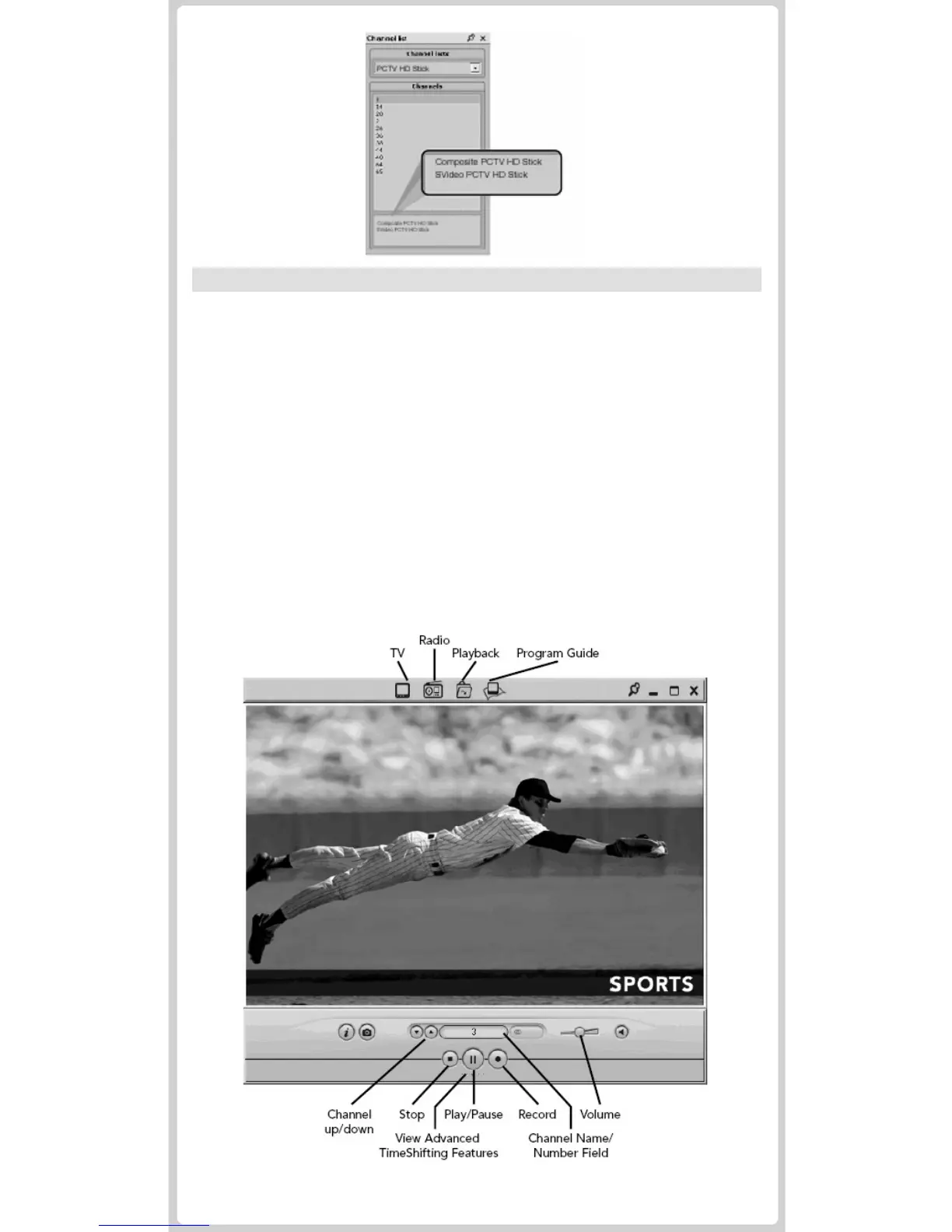
To access your channel list, click on the Channel Name/Number Field. This
channel list also provides you with the option of connecting to your S-Video or
Composite video channels.
- Use the top navigation icons to access other PCTV features.
- Use the bottom navigation for TimeShifting controls.


 To Next Page