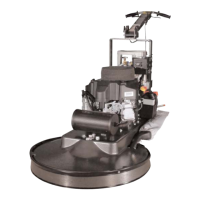
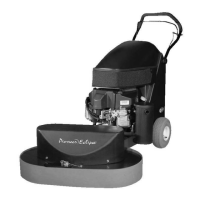
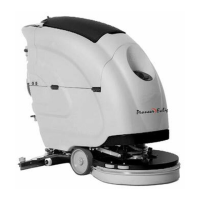
Amano Pioneer Eclipse
�
Operator's Manual FM-1700, 2000 5
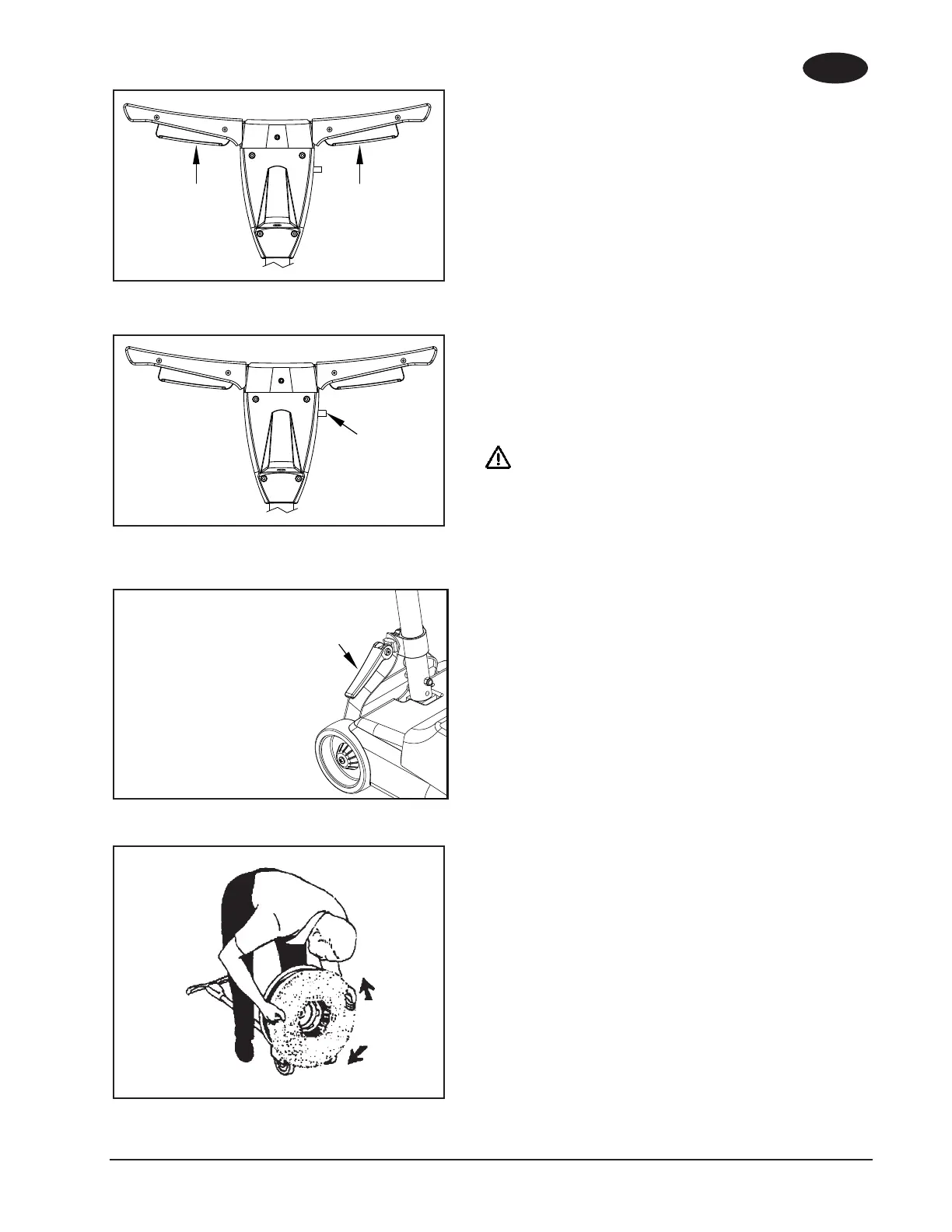
Figure 1
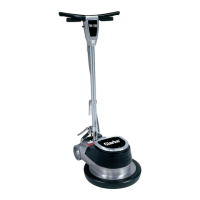
Figure 2
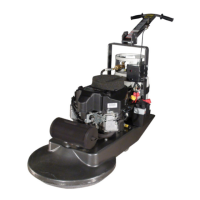
Figure 3
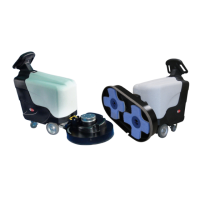
Figure 4
THE CONTROLS
The Start/Stop Levers. See gure 1.
The Start/Stop levers are under the handle grips.
The Interlock Switch. See gure 2.
The interlock switch is on the handle assembly under the Start/Stop
levers.
The Locking Lever. See gure 3.
The locking lever is on the bottom of the handle assembly at the back
of the machine.
HOW TO PREPARE THE MACHINE
FOR OPERATION
WARNING: Always remove the electrical plug from the
electrical outlet before installing or removing
a brush or accessory.
To connect a brush or pad driver, follow this procedure:
1. Put the handle in the vertical position.
2. To fasten the handle, press down on the locking lever.
3. Put the handle on the oor.
4. Put one foot on each side of the machine. See gure 4.
5. Fit the lugs on the bottom of the machine into the openings in
the brush.
6. Turn the brush or accessory clockwise to lock it into position.
7. Turn the brush or accessory counterclockwise to unlock and
remove the brush or accessory.
8. Lift the machine to the vertical position.
NOTE: To prevent damage to the brush or pad driver, remove
the accessory while not in use.
To connect a solution tank, follow the instructions given with the tank.
Apply pressure to lock
EN
ENGLISH



 To Next Page