5En
• To protect the LCD screen from damage, be sure to touch the touch panel keys only
with your finger and do so gently.
• The information will be erased by disconnecting the yellow lead from the battery (or
removing the battery itself ).
• Some of the settings and recorded contents will not be reset.
This manual uses diagrams of actual screens to describe operations. However, the
screens on some units may not match those shown in this manual depending on the
model used.
Notes on internal memory
About this manual
Meanings of symbols used in this manual
This indicates model names that are supported by the described operations.
This indicates to touch the appropriate soft key on the touch screen.
This indicates to touch and hold the appropriate soft key on the touch screen.
Parts and controls
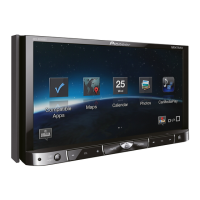
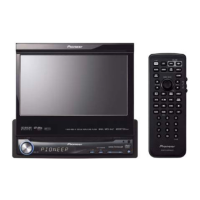
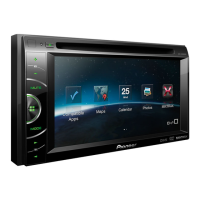
Main unit
Z2000BT



 To Next Page
 Loading...