Black plate (7,1)
Parts supplied
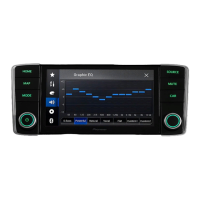
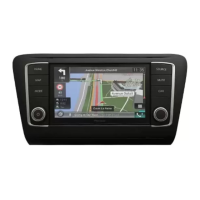
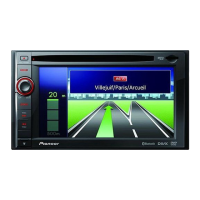
Main unit (*1) Face panel (*1)
Control cable for face
panel (*2)
USB and AUX cable
(*3)
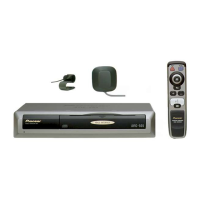
Power cord GPS aerial
Microphone USB cable
(2 pcs.)
Vehicle adapter Cable for vehicle adap-
ter
Aerial conversion cable USB cable identifica-
tion labels
Notes
! (*1) The figure shown is an example. The main
unit and panel shapes vary depending on the
vehicle type. (For certain vehicle types, the
face panel is initially attached to the main
unit.)
! (*2) Connect the control cable between the
face panel and the main unit. (For certain ve-
hicle types, it is initially connected.)
! (*3) The figure shown is an example. The
cable shape varies depending on the vehicle
type. (For certain vehicle types, there is no
terminal cover.)
<CRD4965-A>7
Engb
7
English
Section
02
Connection



 To Next Page
 Loading...