01
14
En
28 /// – Use to select items, change settings
and move the cursor.
ENTER – Press to execute the selected item or enter a
setting that has been changed, etc.
29 RETURN – Press to return to the previous
screen.
30 – (page 26)
31 / / – (page 27)
32 REPLAY – Press during playback to return to a
position 10 seconds earlier. (page 27)
33 SHORT SKIP – Press during playback to forward
to a position 30 seconds later. (page 27)
34 / RESOLUTION – Use these to switch the output
video resolution from the HDMI OUT terminals.
(page 25)
35 CD/SACD – For hybrid discs, press to switch between
the CD and SACD layers. (page 29)
36 LIGHT – Turns on/off the button lights.
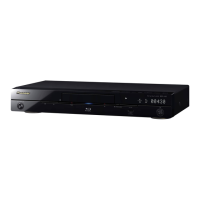
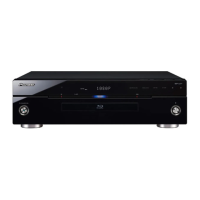
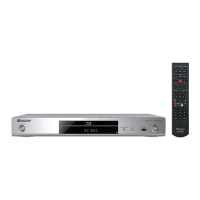
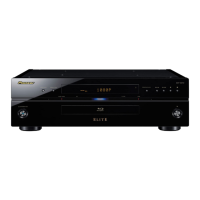
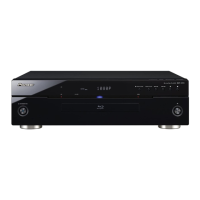
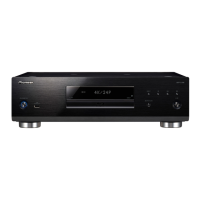
Front Panel
1 STANDBY/ON – Press to turn the power on and
off.
2 USB port – (page 21)
3 FL OFF indicator – (page 13)
4 Front panel display
5Disc tray
6 DIRECT indicator – (page 29)
7 Remote control sensor – Point the remote control to
this, then operate it within approximately 7 m. The
player may have trouble capturing remote control
signals if there is a fluorescent light nearby. If this
happens, move the player away from the fluorescent
light.
8 OPEN/CLOSE – Press to open and close the disc
tray.
9 DIRECT – Press to switch on/off the DIRECT function
(page 29).
10 – Press to stop playback (page 26).
– (page 27)
– (page 27)
11 – Press to start/pause playback (page 26).
FL OFF DIRECT
DIRECT
1 2 7 93 6 8
11
10
54
BDP-LX58_LX88_72-BDPL88-GBRB1_En.book 14 ページ 2014年9月9日 火曜日 午前10時14分


 To Next Page
 Loading...