EasyManua.ls Logo

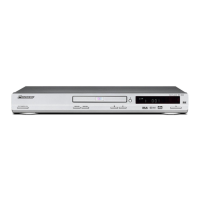
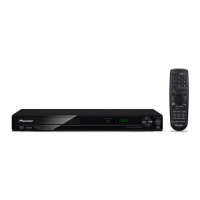
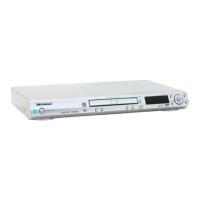
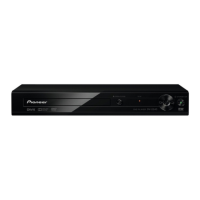
Pioneer Dv-2242 - User Manual

Pioneer Dv-2242
12 pages
Print Icon
To Next Page IconTo Next Page
Loading...
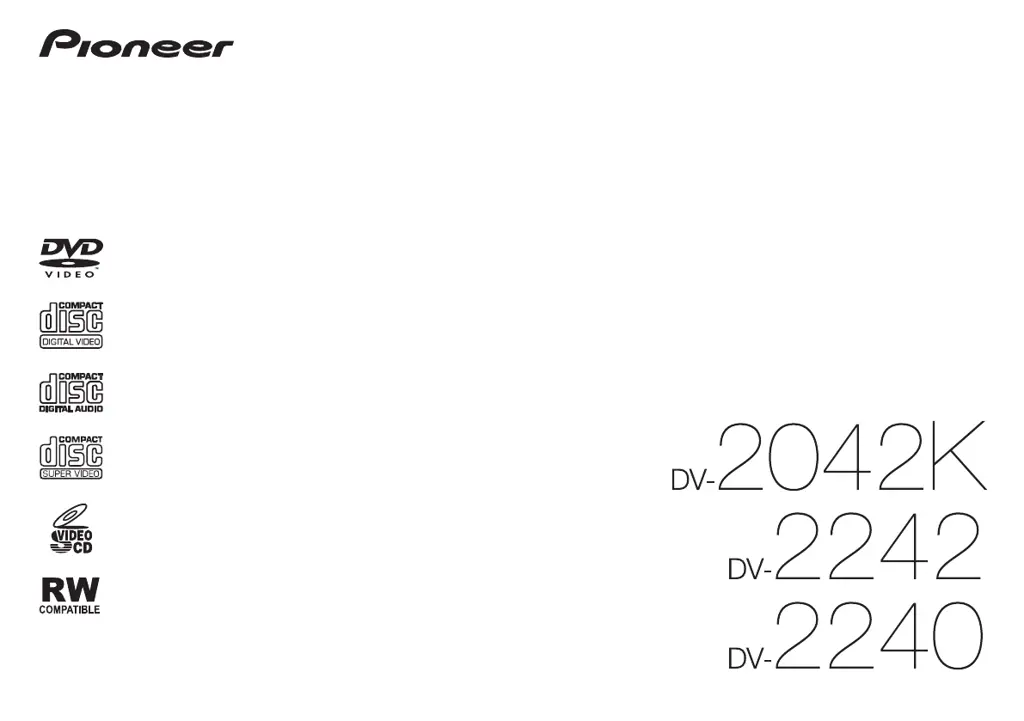
Operating Instructions
DVD PLAYER

Questions and Answers

  • R
    Richard WeeksAug 19, 2025
    What to do if Pioneer Dv-2242 won't play disc?
    • P
      Peter JohnsonSep 12, 2025
      First, check the disc for dirt and wipe it clean. Make sure the disc is placed with the printed side facing up. Verify that the disc’s region number is compatible with your Pioneer DVD Player. Only discs with the appropriate region number or 'ALL' can be played.
  • W
    Whitney AustinAug 21, 2025
    Why folder or file names are not displayed properly on Pioneer DVD Player?
    • C
      Christopher DanielsAug 21, 2025
      If folder or file names are not displayed or properly displayed on your Pioneer DVD Player, note that the maximum displayable number of characters for the folder and file names on the Disc Navigator is 14.
  • C
    Carol FloresAug 23, 2025
    Why aren't folder or file names displayed in alphabetical order on Pioneer DVD Player?
    • J
      jamiemooreAug 25, 2025
      The order of the folder and file names displayed on the Disc Navigator of your Pioneer DVD Player is dependent on the time and date when the folders or files were created on the USB device.
  • W
    William MorganAug 26, 2025
    How to fix stretched picture on Pioneer Dv-2242 DVD Player?
    • E
      Eric BensonAug 26, 2025
      If the picture is stretched, consult your TV's operating instructions to properly set the TV's aspect ratio. Also, ensure that the TV Screen settings are correctly configured.
  • Y
    ylopezAug 27, 2025
    Why is the picture disturbed during playback on my Pioneer Dv-2242 DVD Player?
    • S
      schneiderchadAug 27, 2025
      If your Pioneer DVD Player is connected to the TV via a video deck, the 'analog copy protect function' may cause the picture to display improperly. Try connecting the player and TV directly. Also, make sure the TV system setting is correct; if the picture is distorted, switch the TV system to the one used in your country.
  • L
    Levi HughesAug 30, 2025
    Why does my Pioneer Dv-2242 DVD Player turn off automatically?
    • M
      marksericaAug 30, 2025
      If the Auto Power Off feature is enabled, the Pioneer DVD Player will automatically turn off after 30 minutes of inactivity.
  • B
    bmillerSep 1, 2025
    Why is there a volume difference between DVD and CD on my Pioneer DVD Player?
    • P
      Peggy HammondSep 1, 2025
      The volume may sound different because of the variances in how the audio signals are recorded on the disc.
  • S
    sspencerSep 3, 2025
    What to do if Pioneer Dv-2242 DVD Player doesn't recognize USB device?
    • V
      Valerie JacobsSep 3, 2025
      If your Pioneer DVD Player isn't recognizing the USB device, try the following: * Turn the power off, then disconnect and reconnect the USB device. * Connect the USB device directly, as this player does not support USB hubs. * Ensure that you are using a USB mass storage class device, such as portable flash memory or a digital audio playback device. * Make sure that the USB device is formatted with FAT16 or FAT32 file system, as other file systems are not supported. * If the USB device has an AC adapter, ensure it is connected.
  • R
    Rose KennedySep 5, 2025
    Why is the picture disturbed or dark during Pioneer Dv-2242 DVD Player playback?
    • B
      Brittany GarciaSep 5, 2025
      If the picture is disturbed or dark during playback on your Pioneer DVD Player, it could be due to the following reasons: * If the player and TV are connected via a video deck, the "analog copy protect function" may cause the picture being played on the video deck not to display properly. Connect the player and TV directly. * The TV system may not be set properly. Ensure that the TV system is set to the one used in your country. The default setting is AUTO.
  • B
    Brenda HarrisonSep 7, 2025
    What to do if Pioneer Dv-2242 disc cannot be played?
    • C
      Christina DanielSep 7, 2025
      If your Pioneer DVD Player disc cannot be played, consider these possible solutions: * Wipe the disc if it is dirty. * Ensure the disc is placed with the printed side facing up. * Verify that the disc’s region number is compatible with the player. Only discs with the appropriate region number or “ALL” can be played.

Summary

Safety Cautions

Before you start

Loading the batteries in the remote control

Instructions for inserting batteries into the remote control for proper operation and battery life.

Connections

Guides for connecting the player to a TV or AV receiver using supplied cables.

Part names and functions

Playable discs and files

Discs that cannot be played

List of disc types and formats that are not supported by this DVD player.

Supported video file formats

Details on compatible video file types, including DivX, AVI, and JPEG formats.

Supported audio file formats

Details on compatible audio file types, including MP3 and WMA formats.

Convenient functions

Playing files on USB devices

Instructions for accessing and playing media files stored on a USB storage device.

Karaoke (DV-2042 K)

Using karaoke

Steps for connecting a microphone and using the karaoke playback features.

Changing the settings

Troubleshooting

When a USB device is connected

Common issues and solutions related to connecting and using USB devices with the player.

Pioneer Dv-2242 Specifications

General IconGeneral
TypeDVD player
Progressive ScanYes
Disc FormatsDVD-Video, DVD-R, CD, CD-R/RW
Playback File FormatsMP3, WMA, JPEG
Video OutputComposite, Component
Audio OutputCoaxial digital

Related product manuals