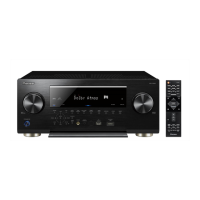
Key operation FL display
DSP UPDATE completed
Updating process
EMMA UPDATE completed
EVENT UPDATE completed
5 Second
UPDATE
Updating process
UPDATE
Update completion display
Power turns off automatically.
(All ZONE OFF)
Disconnect the USB MEMORY.
COMPLETE
[Confirmation]
1. Check the updated version.
Following the procedures described in "Version Indication" in this section, check that the version
has been changed to a new one.
[Procedure for UPDATE PANEL 2 Mode]
After completing the UPDATE PANEL 2 Mode update and confirming the version,
it is necessary to disconnect then reconnect the AC cord of the unit.
The updating time is about 10 minutes.



 To Next Page
 Loading...