After updating is completed, click on OK
to return to the Status screen.
Check that the firmware version has
been updated.
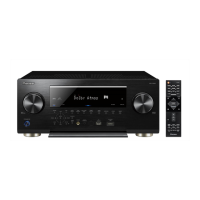
Press the POWER button on the AV amplifier
to turn it off and again to turn it back on again.
Note: Please restore the Network IP settings of the
customer's unit after the update is completed.
The firmware version
has been updated.
Click.



 To Next Page
 Loading...