EasyManua.ls Logo

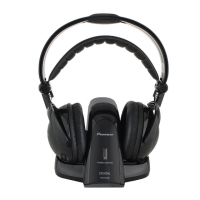
Pioneer SE-DRF41M - User Manual

Pioneer SE-DRF41M
136 pages
Print Icon
To Next Page IconTo Next Page
Loading...
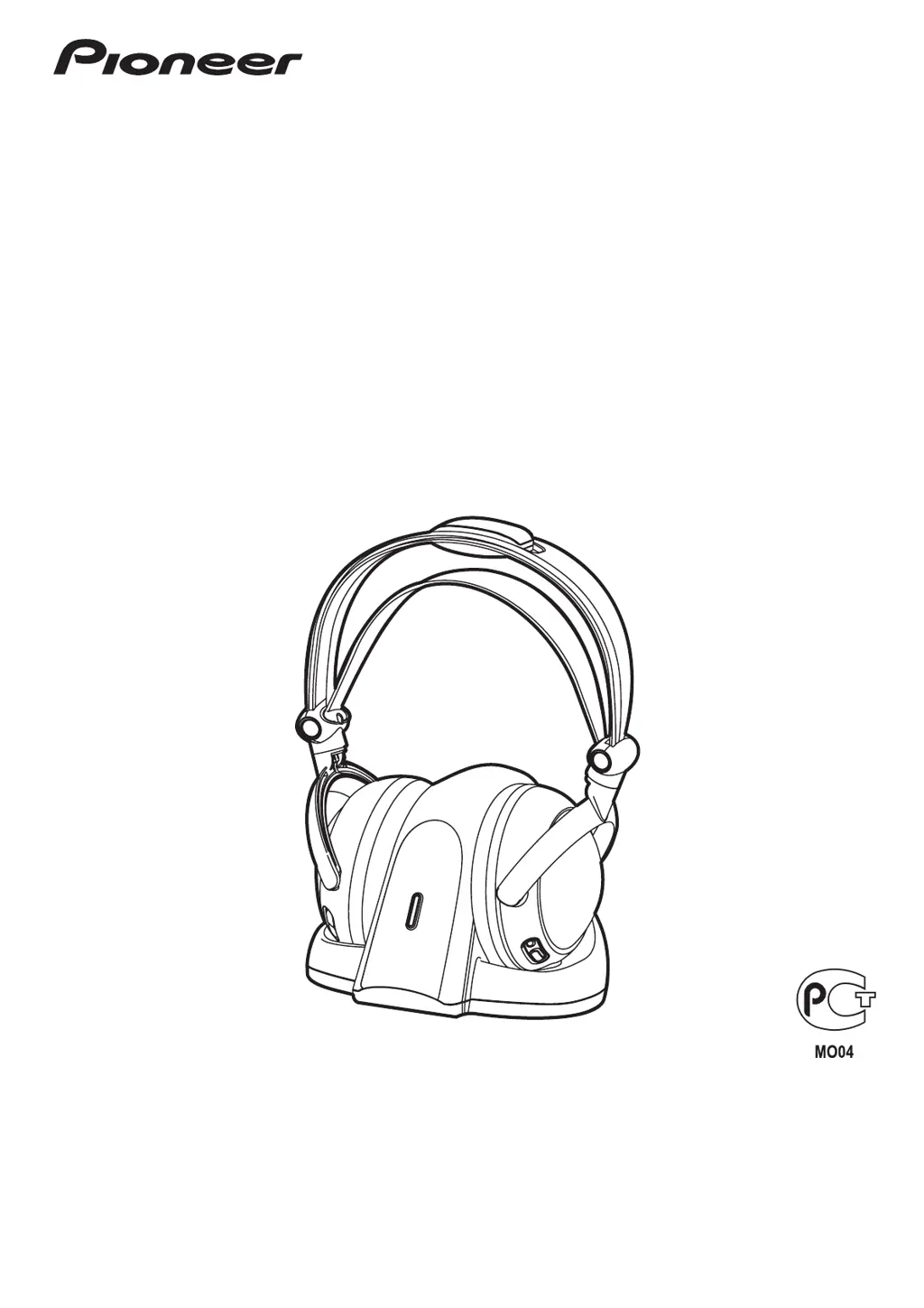
SE-DRF41M
Digital wireless headphone
system
Casque numérique sans fil
Digitales Drahtlos-
Kopfhörersystem
Sistema cuffia wireless
digitale
Sistema de auriculares
inalámbricos digitales
Digitaal draadloos
hoofdtelefoonsysteem
Auscultadores digital sem fios
Digitalt trådlöst hörlurssystem
Σύστημα ασύρματων
ψηφιακών ακουστικών
Dijital kablosuz kulaklık
sistemi
Digital trådløst
hodetelefonsystem
Systém digitálních bezdrátových
sluchátek
Digitális, vezeték nélküli fejhallgató
rendszer
Sústava digitálnych bezdrôtových
slúchadiel
Цифровая беспроводная система
наушников
System bezprzewodowych
słuchawek cyfrowych
Operating Instructions
Mode d’emploi
Bedienungsanleitung
Istruzioni per I’uso
Manual de instrucciones
Handleiding
Manual de instruções
Bruksanvisning
Οδηγίες λειτουργίας
Çalıştırma Talimatları
Bruksanvisning
Provozní pokyny
Használati Útmutató
Návod na obsluhu
Инструкция по эксплуатации
Instrukcja obsługi

Questions and Answers

  • A
    Alfred MooreAug 10, 2025
    Why won't my Pioneer Headphone batteries charge?
    • E
      Eric Tucker Jr.Aug 10, 2025
      If your Pioneer Headphone batteries won't charge, make sure the headphones are correctly placed on the transmitter and the POWER/CHARGE indicator lights up red. Use only the supplied rechargeable batteries, or replace them with new rechargeable batteries. Check the charging contacts and clean them with a cotton swab if needed. Ensure the rechargeable batteries are installed with the correct +/– polarities.
  • S
    sotodylanAug 21, 2025
    What to do if my Pioneer Headphone has no sound or intermittent sound?
    • D
      David WrightAug 21, 2025
      If your Pioneer Headphone is not producing any sound or the sound is intermittent, first, check the connection between the AC adapter and the wall outlet, and the connection between the transmitter and the AV components. Ensure the headphone is turned on and the batteries are correctly placed with the correct polarities. If the batteries are depleted, replace them. Confirm that the power is on for the TV or audio playback device. Also, increase the headphone's volume and reduce the distance between the headphones and the transmitter. Finally, check for other electronic devices using the 2.4 GHz band near the headphones or transmitter.
  • D
    Dennis HoAug 29, 2025
    What to do if my Pioneer SE-DRF41M sound is distorted?
    • P
      Patty GonzalezAug 29, 2025
      If the sound from your Pioneer Headphone is distorted, the sound volume control may be set too high or too low at the TV/AV or other playback source. Adjust the volume accordingly.

Pioneer SE-DRF41M Specifications

General IconGeneral
BrandPioneer
ModelSE-DRF41M
CategoryHeadphone
LanguageEnglish

Related product manuals