6.4 Problems Emerge During the Paper Cutting Processes
Cutter jam, the movable
cutter cannot back
Cutter abrasion, insufficient
cutting
Worm gear and worm wheel
abrasion
Replace the worm gear and worm wheel
Clean the paper scraps on the transmission system
Cutter edge abrasion, paper
too thick
Thermal printer head over
heat
Reduce the density of printing
Reduce the printer speed to the limit of thermal printer head
Wrong paper feeding position
Put the paper parallel with the paper mount and insert into the space
between platen roller and the thermal printer head
6.5 Remove Jammed Paper
Warning: Do not touch the thermal print head because it becomes very hot after printing.
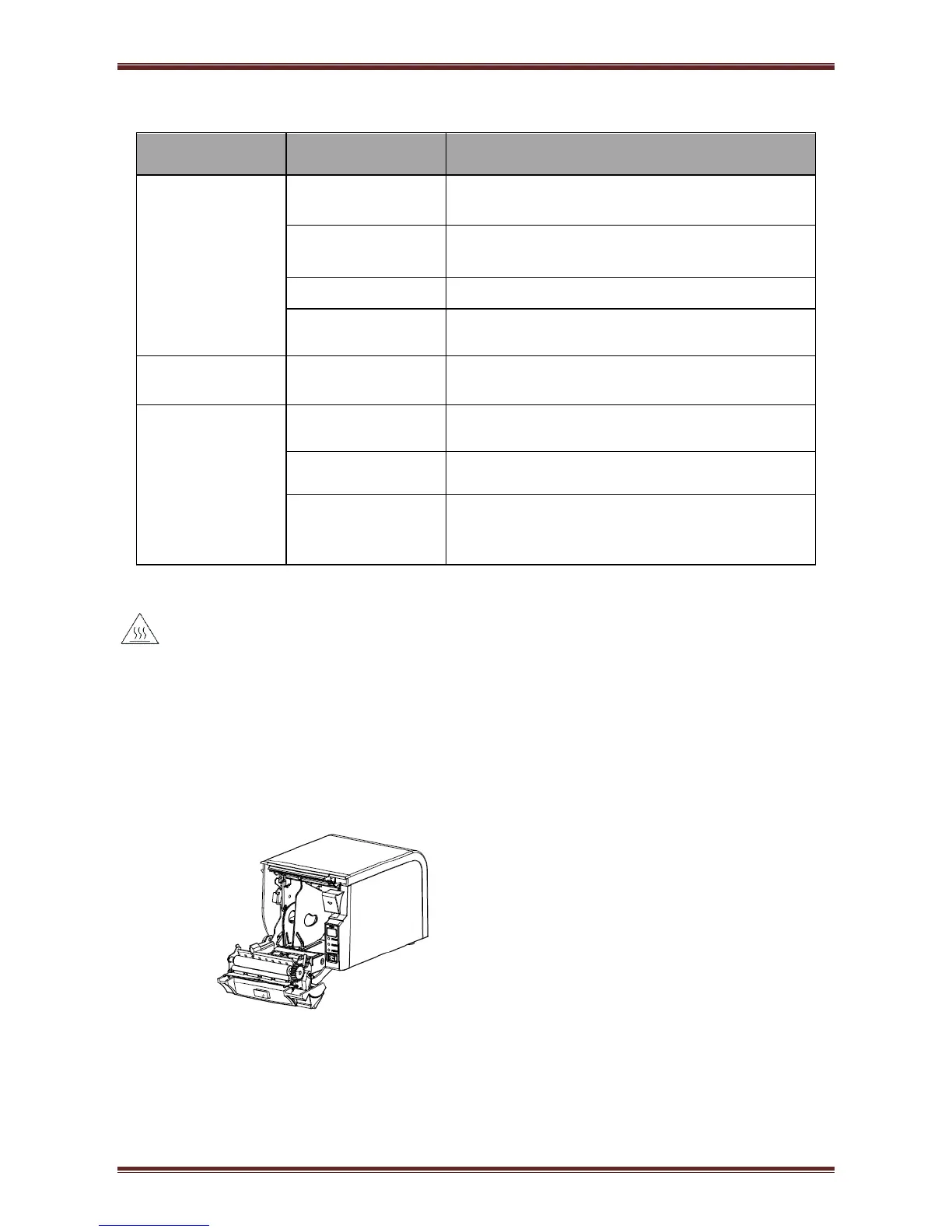
If the cover can be opened, operate it according to the next steps.
1) Turn off the printer and press open cover button.
2) Remove jammed paper, reinstall the roll, and close the cover..


 To Next Page