- 6 -
Atomizer superheat protection.
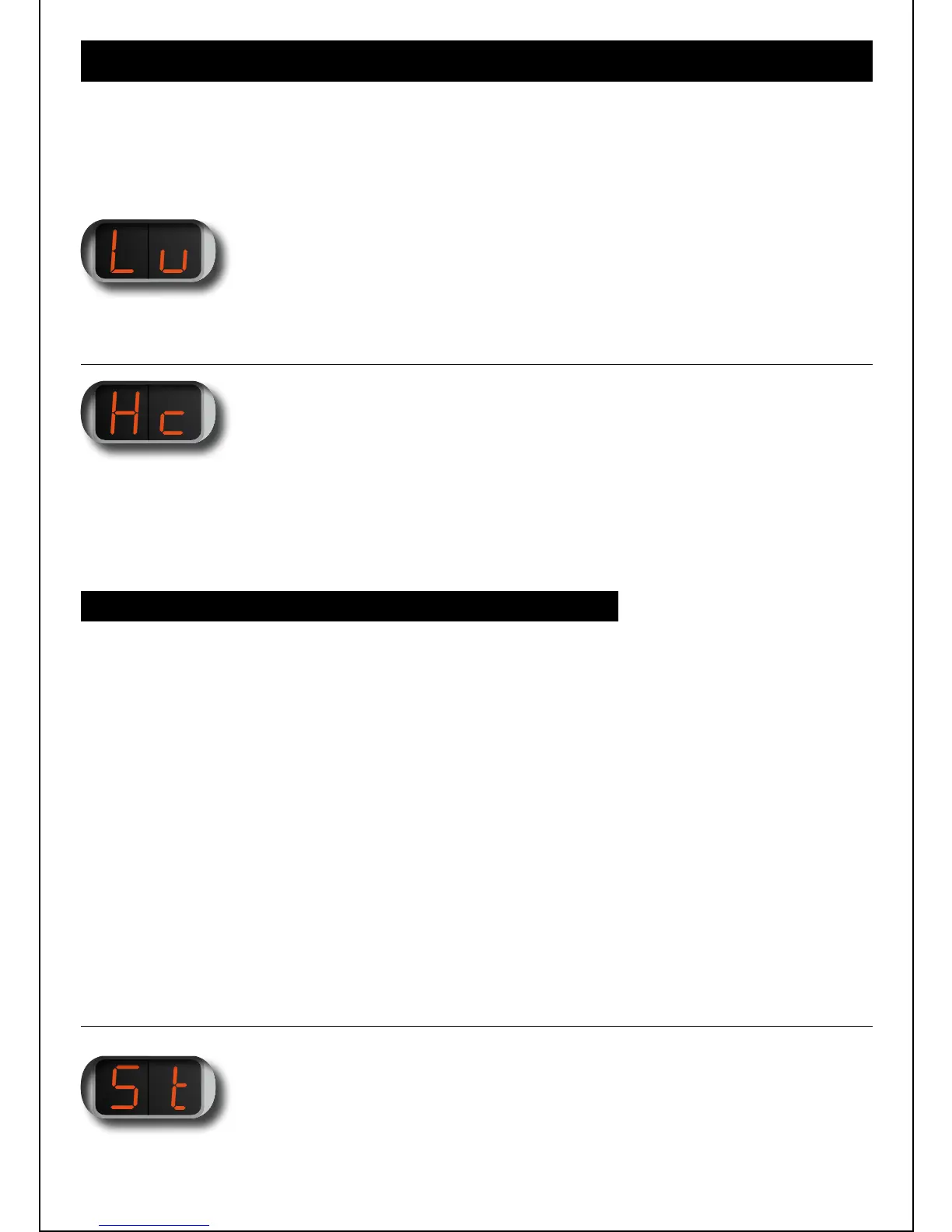
2 MENU ITEM „Hc“:
HEAT PROTECTION CONTROL
When you select the extended functions menu „00“ is displayed.
Click again and a „rolling 0“ is displayed. Further clicks will take you through the
functions available. After the display disappears you automatically
return to the main menu.
04 EXTENdEd FUNcTIONS MENU (EF)
Changes the brightness of the display. 1 is the darkest value, 5 the brightest.
The factory setting value is 4.
1 MENU ITEM „Lu“:
LUMINOSITY
HERE YOU CAN SELECT FROM 10 DIFFERENT OPTIONS:
Time in ms, Power factor (calculation) = On-time / (On time + Off time)
INDEX ON OFF POWER FACTOR
01 400 100 0,80
02 600 100 0,86
03 800 110 0,88
04 1000 120 0,89
05 1350 150 0,90
06 2000 200 0,91
07 2000 180 0,92
08 2000 150 0,93
09 2000 100 0,95
10 2000 80 0,96
The Heat Control factory setting value is „6“.
Automatic shutdown of the device after a given time. When setting the switch off time,
the value in the display appears in „minutes“. The factory setting is 5 minutes.
3 MENU ITEM „St“:
SWITCH OFF TIME


 To Next Page