- 7 -
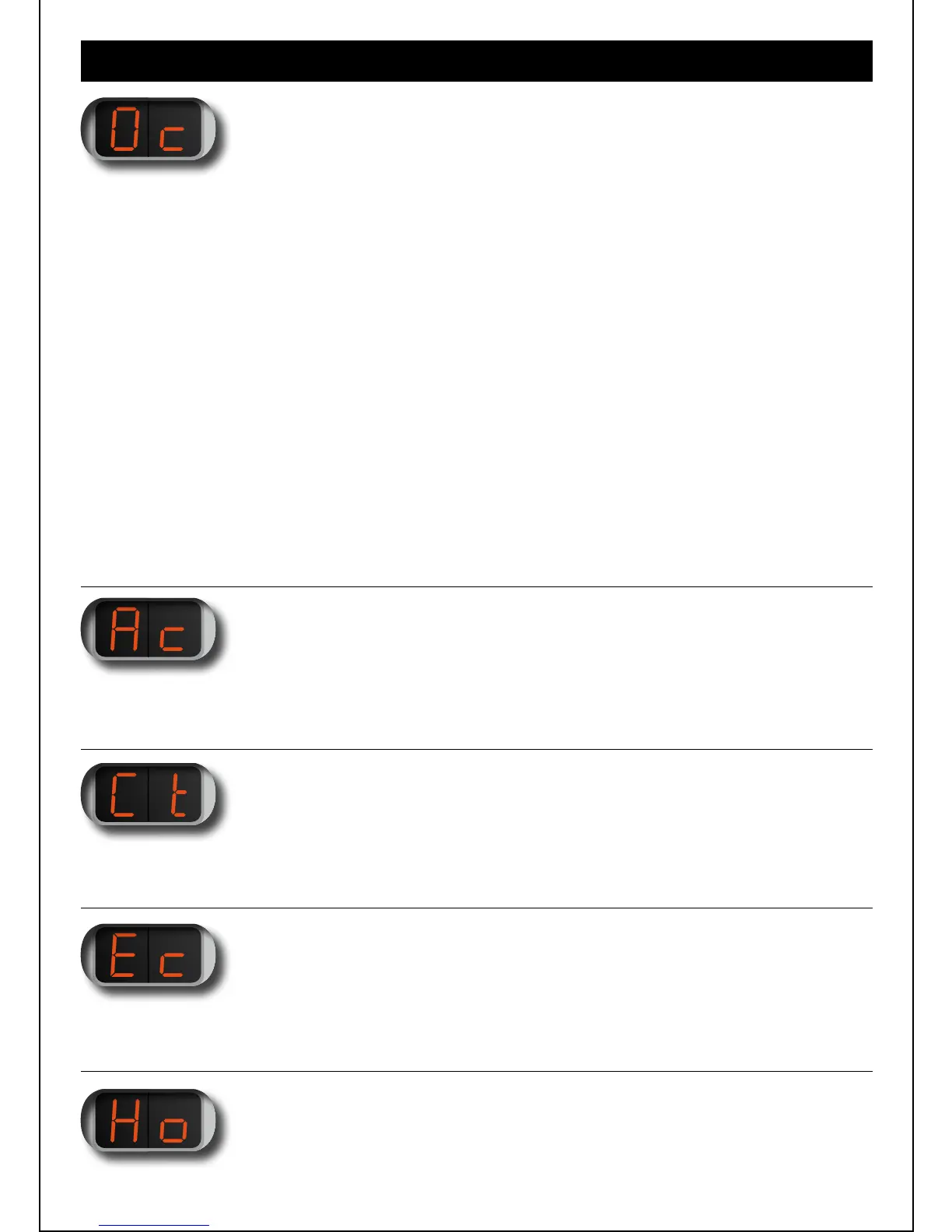
Sets the number of clicks to switch on your PRO.
You can set „Oc“ between 0 and 5 clicks depending on how many clicks you would
prefer to use. If the value of „Oc“ is set to 0, you can vape directly if it has powered
down from your „St“ switch off time setting.
The PRO has a security feature to avoid misfiring that means if it has been switched
off (using the „So“ menu) when „Oc“ is set to 0, 1 or 2 it needs 5 clicks to switch on.
(Otherwise when „Oc“ is set to 3, 4 or 5, to switch on is 3, 4 or 5 clicks).
If the PRO has shut down due to an error code it will need 5 clicks to activate.
The factory setting for „Oc“ is 0.
We recommend when carrying your PIPELINE PRO, for example in your pocket or bag,
that the battery is switched off (using the „So“ menu) to prevent accidental activation,
thus avoiding unnecessary firing, usage and wear.
4 MENU ITEM „Oc“:
ON CLICKS
Sets the number of clicks needed to display the menu.
You can select from 1-5 clicks. The factory setting is 1 click.
5 MENU ITEM „Ac“:
ACTIVATION (MENU) CLICKS
Changes the length of time the menu is displayed. 1 is a short display time, 3 is a long
display time. Factory setting is 3.
6 MENU ITEM „Ct“:
CLICK TIME
Disables (00) or enables (01) the error control for error codes E1 - E3.
By default, the error codes E1 - E3 are disabled.
7 MENU ITEM „Ec“:
ERROR CHECK


 To Next Page
 Loading...