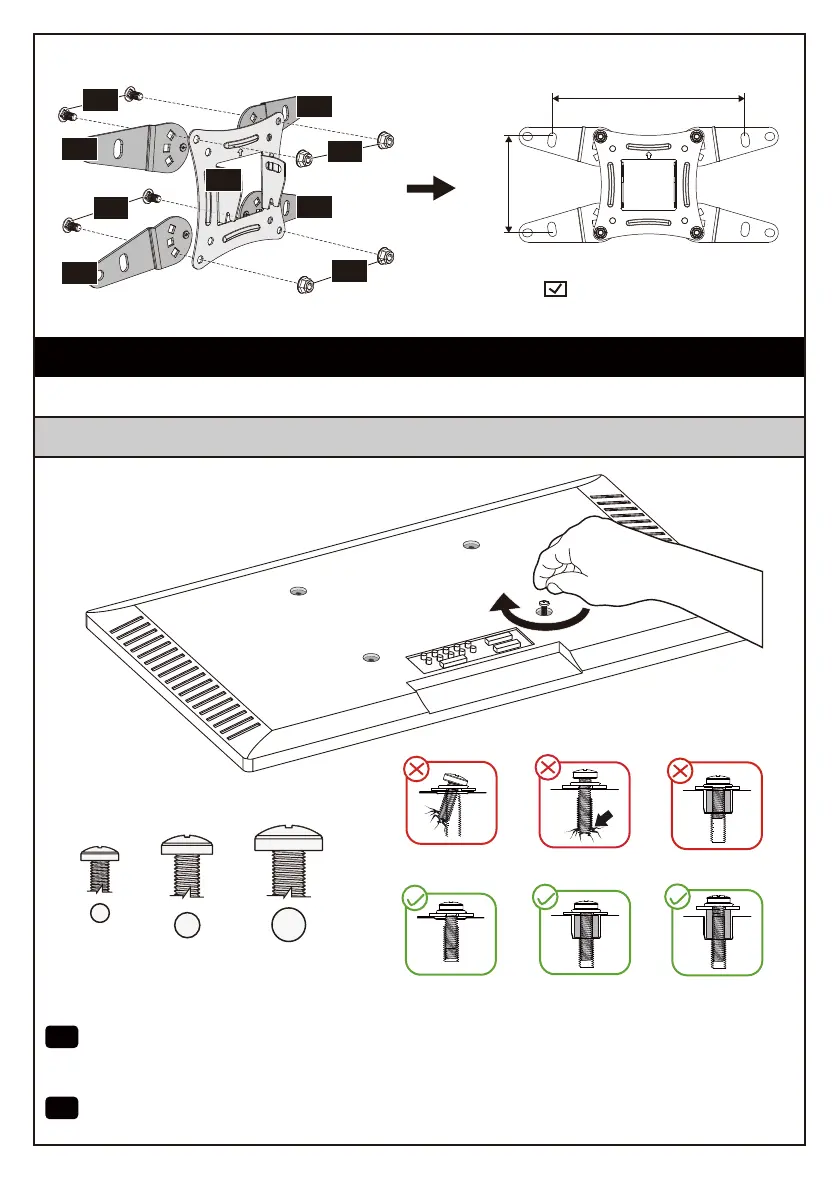
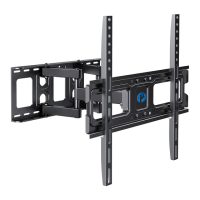
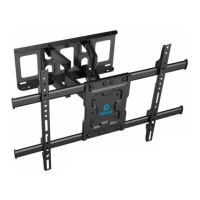
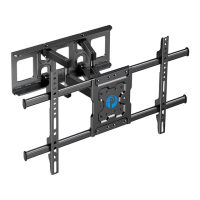
2-1 Select TV Bolts
M6
M8
M4
· Étape 2 Fixez le plaque frontale avec les supports d'extension au Téléviseur
· 2-1 Sélectionnez les boulons TV
EN
Hand thread bolts into the threaded inserts on the back of your TV to determine which
bolt (M4, M6 or M8) to use. A minimum of 4-5 turns into the threading is required. Do not
turn past the bottom of the hole.
FR
Enfilez à la main les boulons dans les inserts filetés situés à l'arrière de votre Téléviseur pour
déterminer le boulon (M4, M6 ou M8) à utiliser. Un minimum de 4 à 5 tours dans le filetage est
nécessaire. Ne tournez pas au-delà du fond du trou.
Step 2 Secure the Faceplate with the Extender Brackets to the TV
200 x 100mm (7.9 x 3.9″)
200mm (7.9″)
100mm (3.9″)
03
03
03
03
02
H
H
G
G
02 03 04
05 06
07 08
09 10 11 12
13 14 15 16
17 18 19


 To Next Page