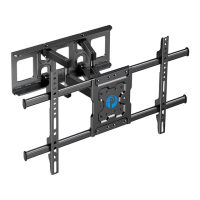
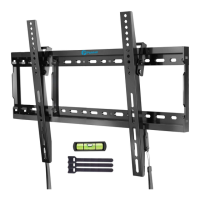
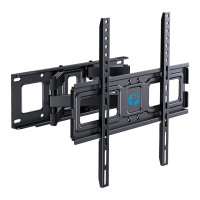
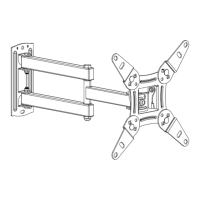
Need help?
Do you have a question about the Pipishell PILFK1 and is the answer not in the manual?
Essential safety instructions covering potential injury, assembly, damage, missing parts, wall compatibility, and weight capacity.
Specifies the maximum weight the TV mount can safely support, warning against exceeding limits to prevent instability and injury.
Lists and illustrates the tools required but not included with the TV wall mount for proper setup.
Details all hardware parts provided with the mount, including screws, anchors, and levels, with specific part numbers.
Guides on measuring TV VESA patterns and selecting correct screw lengths to ensure proper bracket attachment.
Instructions for attaching the bracket arms to the back of a flat-screen television using provided hardware.
Instructions for attaching bracket arms to curved televisions, detailing hardware options for a secure fit.
Steps for using a stud finder to identify and mark wood stud locations for accurate wall plate mounting.
Procedure for drilling pilot holes of specified diameter and depth into wood studs for secure installation.
Instructions for securely attaching the main wall plate to the wall studs using lag bolts and washers.
Guides on positioning, leveling, and marking the wall for anchor placement on concrete or brick surfaces.
Procedure for drilling holes and installing anchors into concrete or brick walls for secure mount attachment.
Instructions for securing the wall plate using lag bolts, washers, and installed anchors on masonry walls.
 General
| Mount Type | Full Motion |
|---|---|
| Weight Capacity | 66 lbs |
| Tilt Range | +5°/-15° |
| Material | Steel |
| Color | Black |
| Swivel Range | +/-90° |
| Screen Size Compatibility | 26" to 55" |
| Installation Type | Wall |

 To Next Page