operation en
29
13.5 Adding detergent and
care product
Note:Observe the information about
detergents and care products
→Page28.
1. Pull out the detergent drawer.
2. Pour in detergent.
→"Detergent drawer", Page17
3. If required, add the care product.
4. Push in the detergent drawer.
13.6 Starting the programme
Note:If you want to change the time
until the programme ends, set the
"Ready in" time first.
▶ Press .
a The drum rotates and load detec-
tion takes place. This can take up
to 2 minutes, after which water
enters the drum.
a The display shows either the pro-
gramme duration or the "Ready in"
time.
a After the programme has ended,
the display shows: End.
13.7 Adding laundry
1. Press .
The appliance pauses.
Note:If appears, it is not pos-
sible to add laundry.
When goes out, it is possible to
add laundry.
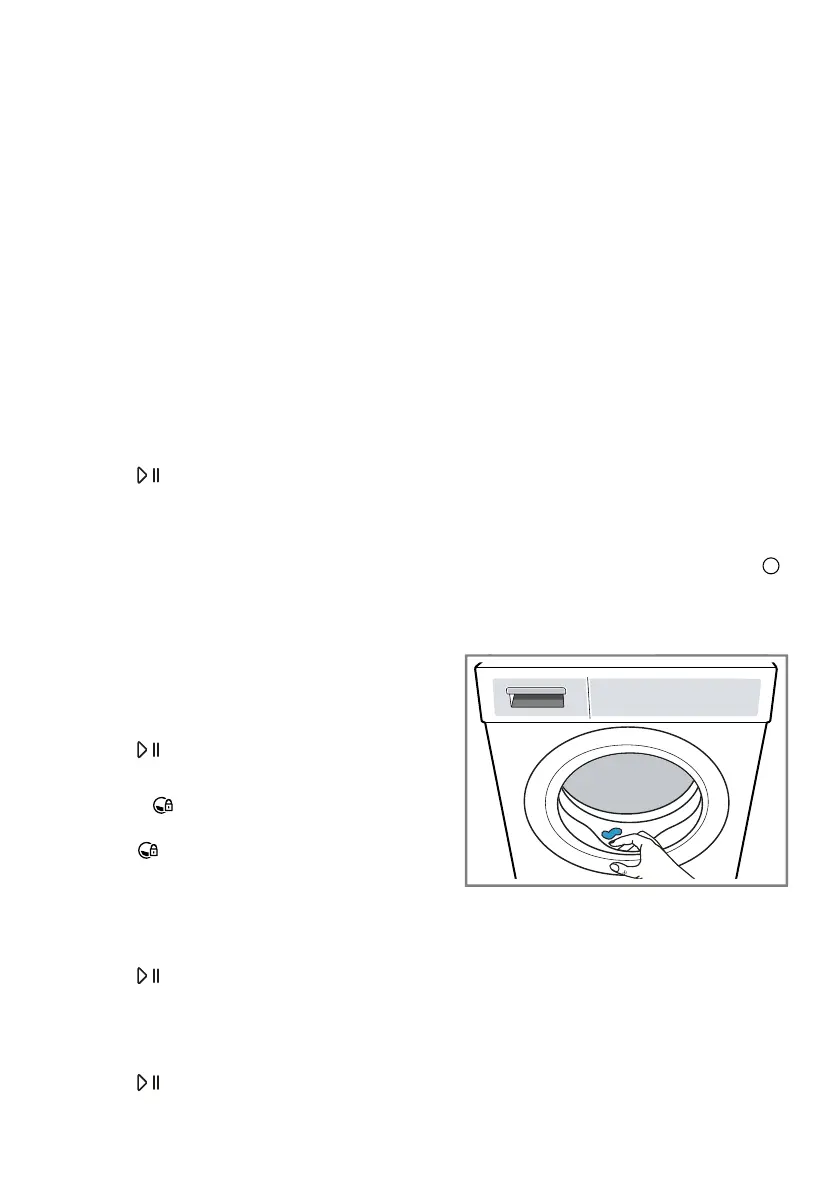
2. Open the appliance door.
3. Add or remove laundry.
4. Close the appliance door.
5. Press .
13.8 Cancelling the pro-
gramme
1. Press .
2. Open the appliance door.
The appliance door remains
locked for safety reasons if the
temperature and water levels are
high.
– If the temperature is high, start
the Ξέβγαλμα programme.
– If the water level is high, start
the Στύψιμο programme or se-
lect a suitable programme for
draining.
→"Programmes", Page23
3.
Remove the laundry →Page29.
13.9 Unloading the laundry
1. Open the appliance door.
2. Remove the laundry.
13.10 Switching off the appli-
ance
1. Turn the programme selector to .
2. Turn off the tap.
3. Wipe the rubber gasket dry and re-
move any foreign objects.
4. Leave the appliance door and de-
tergent drawer open so that resid-
ual water can evaporate.



 To Next Page