Page 6 For technical questions, please call 1-888-866-5797. Item 93983
Timer Operation
1. Press “Meas.” once to turn the unit on.
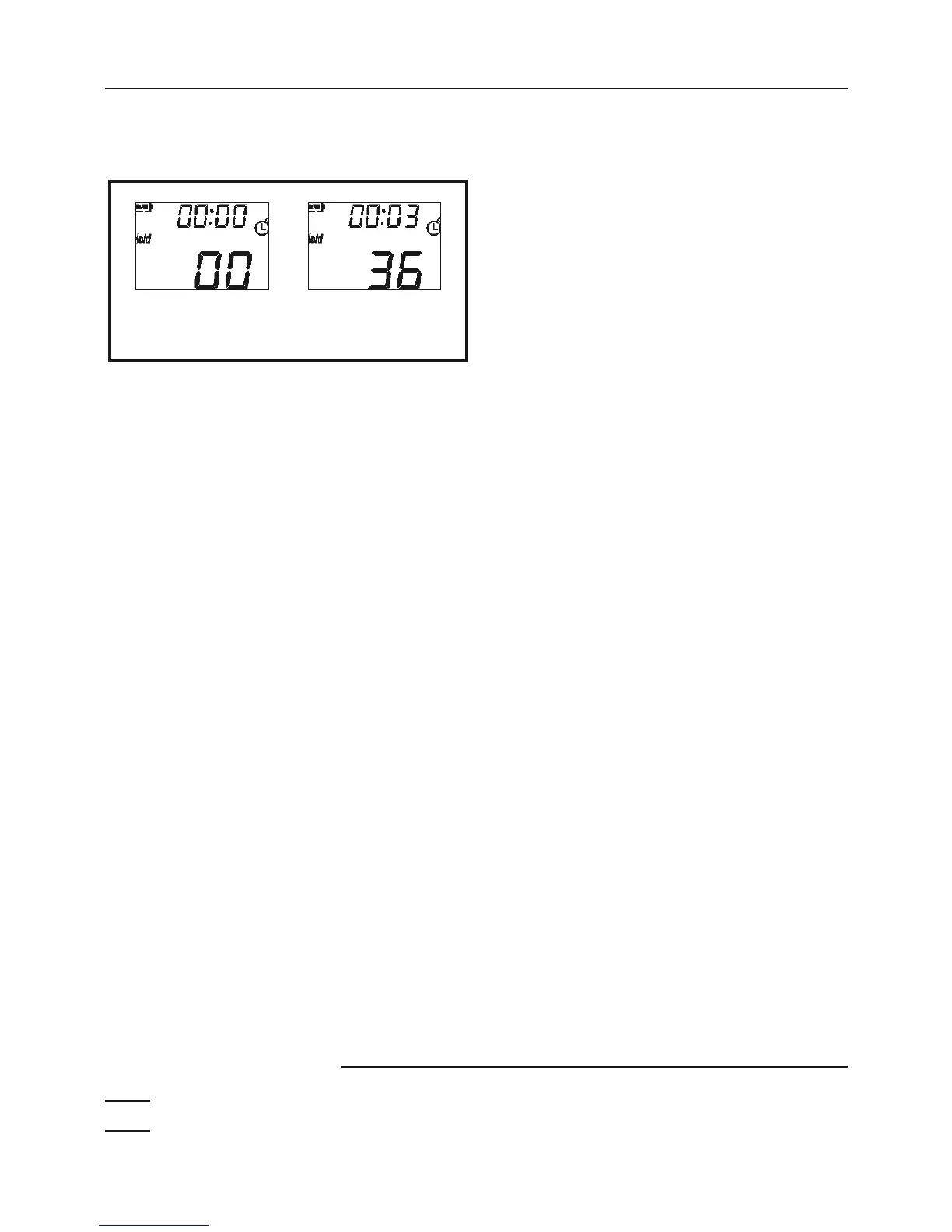
2. Press “Mode” four times and the
“count” icon starts to flash.
3.
->
Hours:Minutes.Seconds = 00:3.36
(resolution=0.01sec)
To start or stop timer, press “Meas.”.
To reset the timer, press “Mode”
with the timer stopped.
4. Press “Mode” again to exit the timer mode.
Record Serial Number Here:
Note: If product has no serial number, record month and year of purchase instead.
Note: Replacement parts are not available for this item.


 To Next Page