Page 3For technical questions, please call 1-800-444-3353.SKU 92801
Specications
Laser Range Projects Up to 100′
Max. Tripod Height 48″
Rotation Capacity 360°
Batteries (4) ‘AA’ Batteries
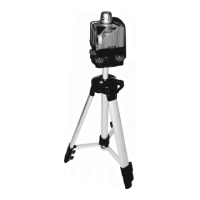
Rotary Laser Level
ITEM 92801
05a-11c Made in China.
LASER LIGHT
AVOID DIRECT EYE EXPOSURE
Max. Output: ≤ 5mW,
Wavelength: 650 nm ±10 nm
CLASS IIIa LASER PRODUCT
This product complies with
21 CFR 1040.10 and 1040.11
Diode Mfr.: Sean & Stephen Corp.
4F, NO3, Lane 335, Sec 4, Hsin-Yi Rd.,
Taipen, China
Manufacture Date: ___________, _______
Instructions for Putting Into Use
Read the ENTIRE IMPORTANT
SAFETY INFORMATION section at the
beginning of this manual including
all text under subheadings therein
before set up or use of this product.
TO PREVENT SERIOUS INJURY
FROM ACCIDENTAL OPERATION:
Turn the Power Switch to Off before adjusting Level.
Note: For additional information regarding
the parts listed in the following pages, refer to
the Assembly Diagram on the last page.
Installing The Batteries
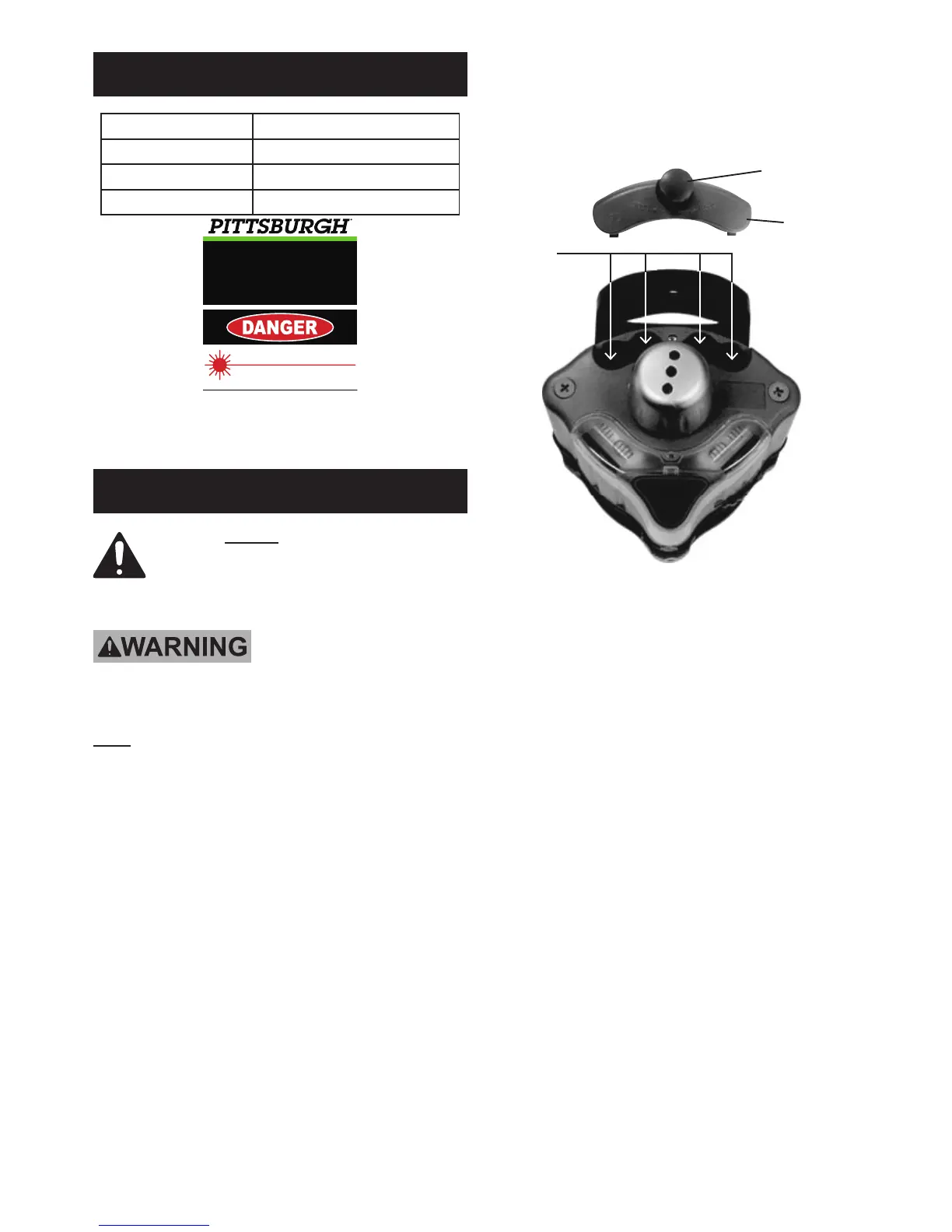
1. Loosen the Battery Cover Knob (5A) and remove the
Battery Cover (2A). See Figure 1, below.
NOTE: The Knob will NOT come all the way out.
Battery
Cover (2A)insert
batteries
here
Battery Cover
Knob (5A)
Figure 1
2. Install four ‘AA’ Batteries, making sure to follow
the polarity marked in the Battery Compartment.
3. Replace the Battery Cover and turn Battery
Cover Knob until Cover is secured into place.


 To Next Page