9
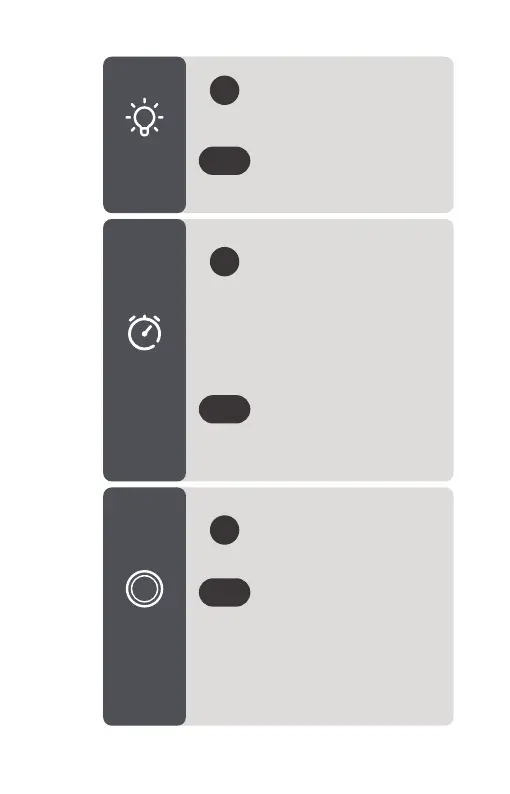
To Turn On:
Repeatedly press to cycle
through 30 mins - 60 mins -
120 mins - 240 mins - Off.
When time is up, all sounds,
night light and indicators will
turn off.
>1s
To Cancel:
Press and hold to cancel
Auto Off Timer. The timer
indicator will turn off.
To Turn On/Off:
Short press to turn the
night light On/Off.
Brightness:
Press and hoId to adjust the
brightness.
>1s
To Turn On/Off:
Short press to turn
Wi-Fi On/Off.
>1s
Pairing:
Once on, press and hold
until the indicator flashes
blue to begin pairing.
Solid Red - Connection
Failed / Offline
Solid Blue - Connected
Light
Control
Auto Off
Timer
Wi-Fi
Connection



 To Next Page